Any lens on any sensor
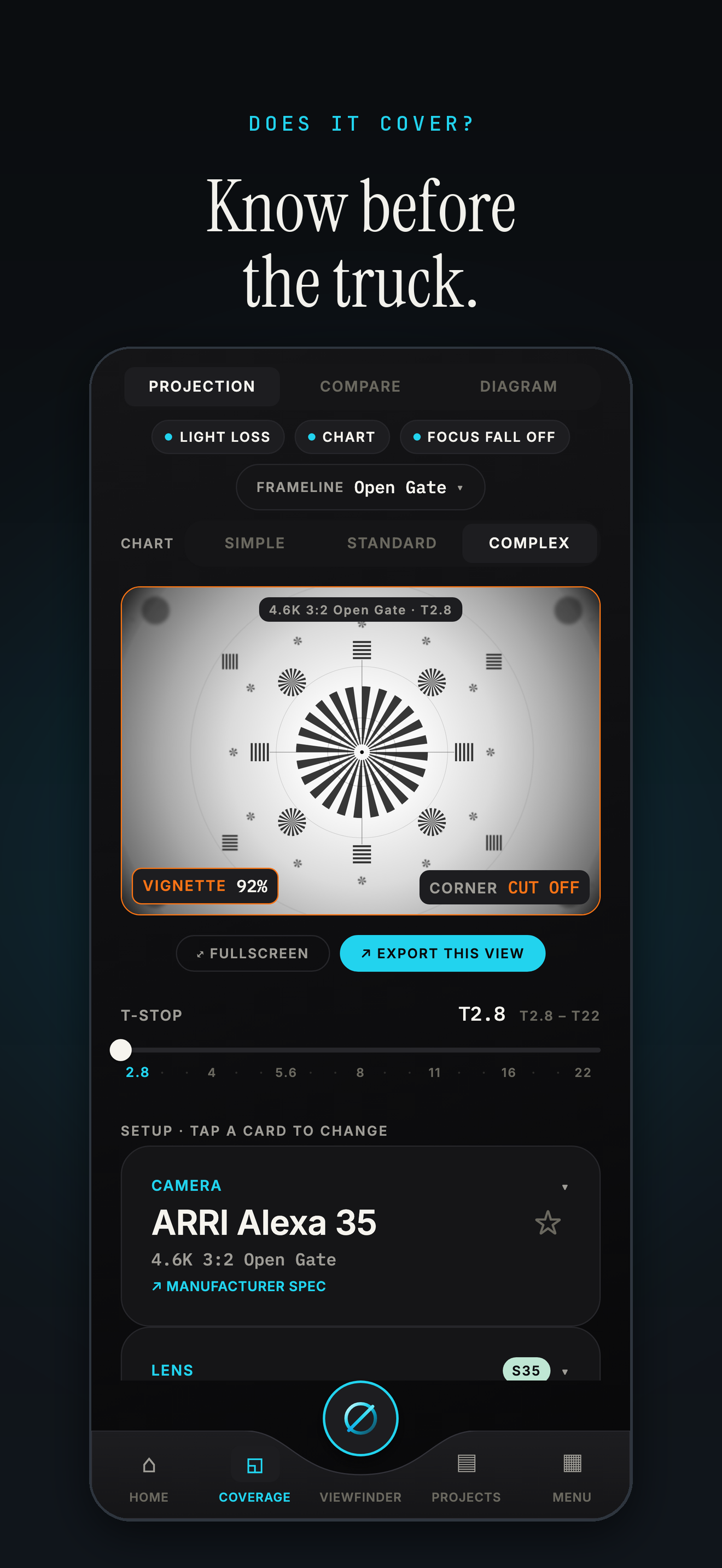
The image circle drawn to scale over the exact sensor mode, with light falloff at the T-stop you set and a warning when the corners vignette.
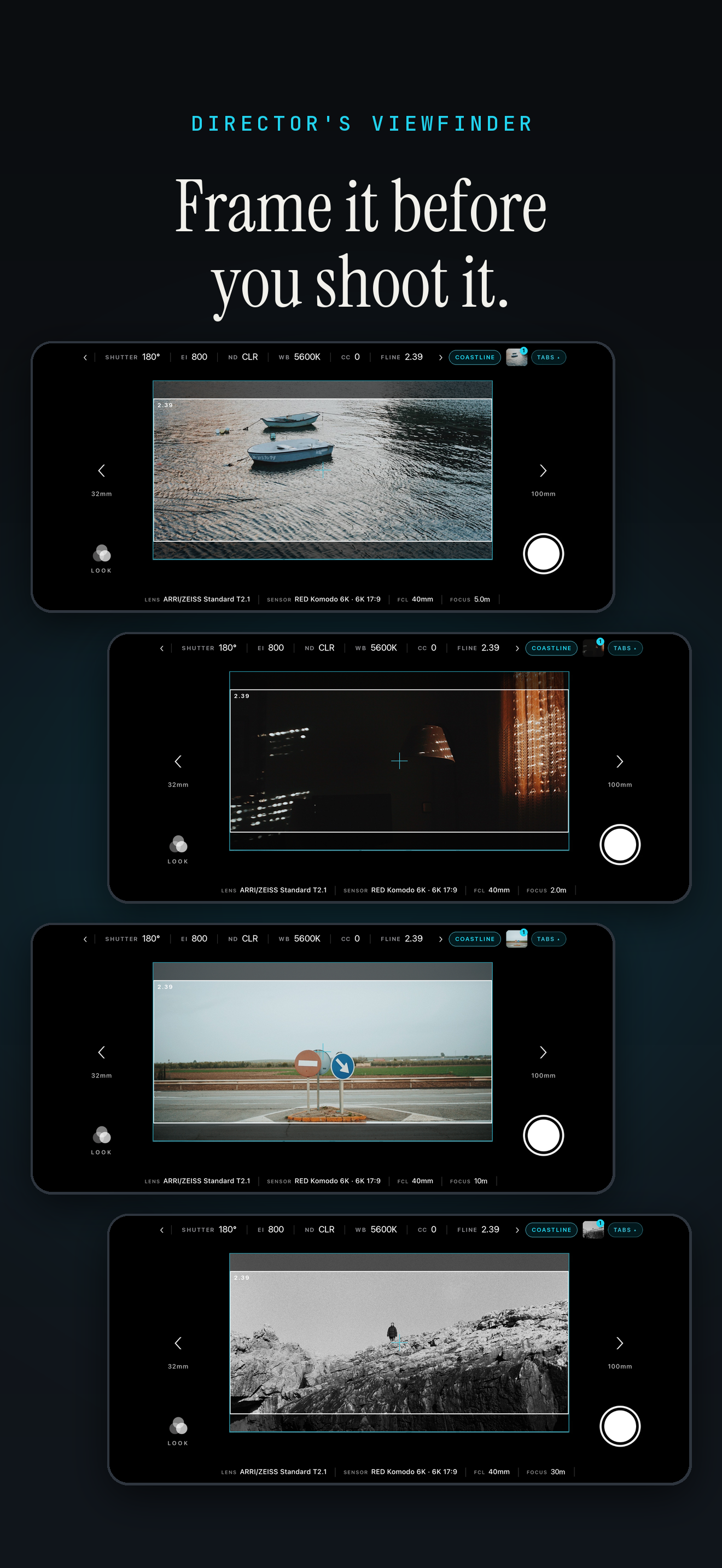
Frame it before you shoot it.
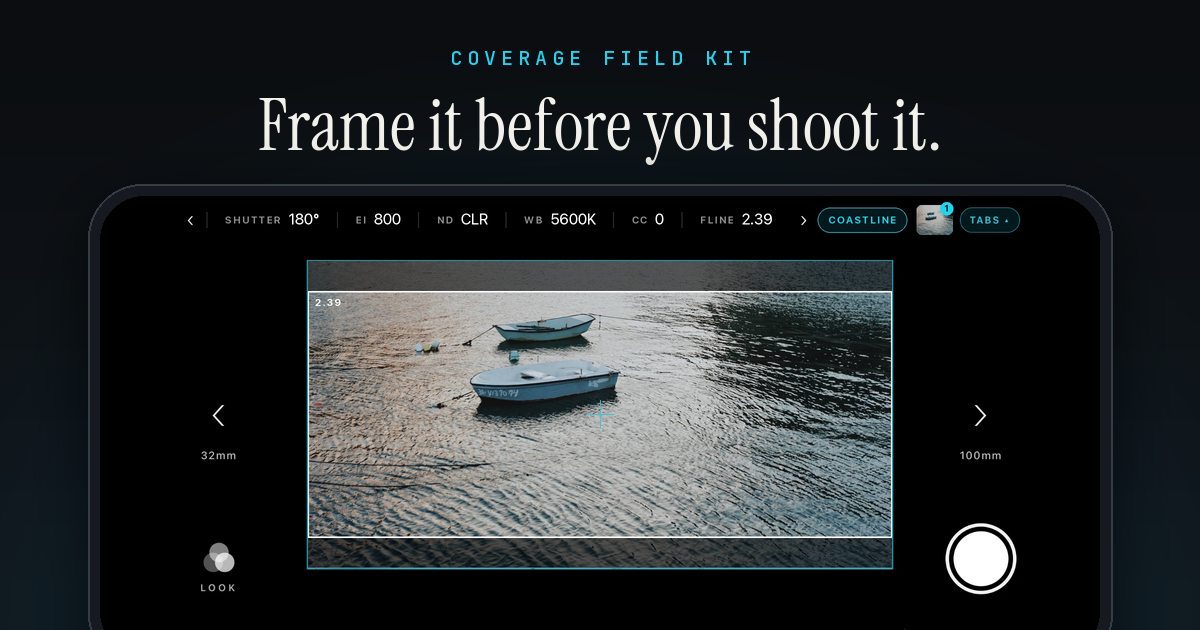
The camera department's field kit for iPhone. Put any cine lens on any sensor, see its coverage, falloff and framing, take it to set through a director's viewfinder on your phone, and find who rents it.
Out on the App Store · 3 November 2026iPhone7-day trial, then one purchase
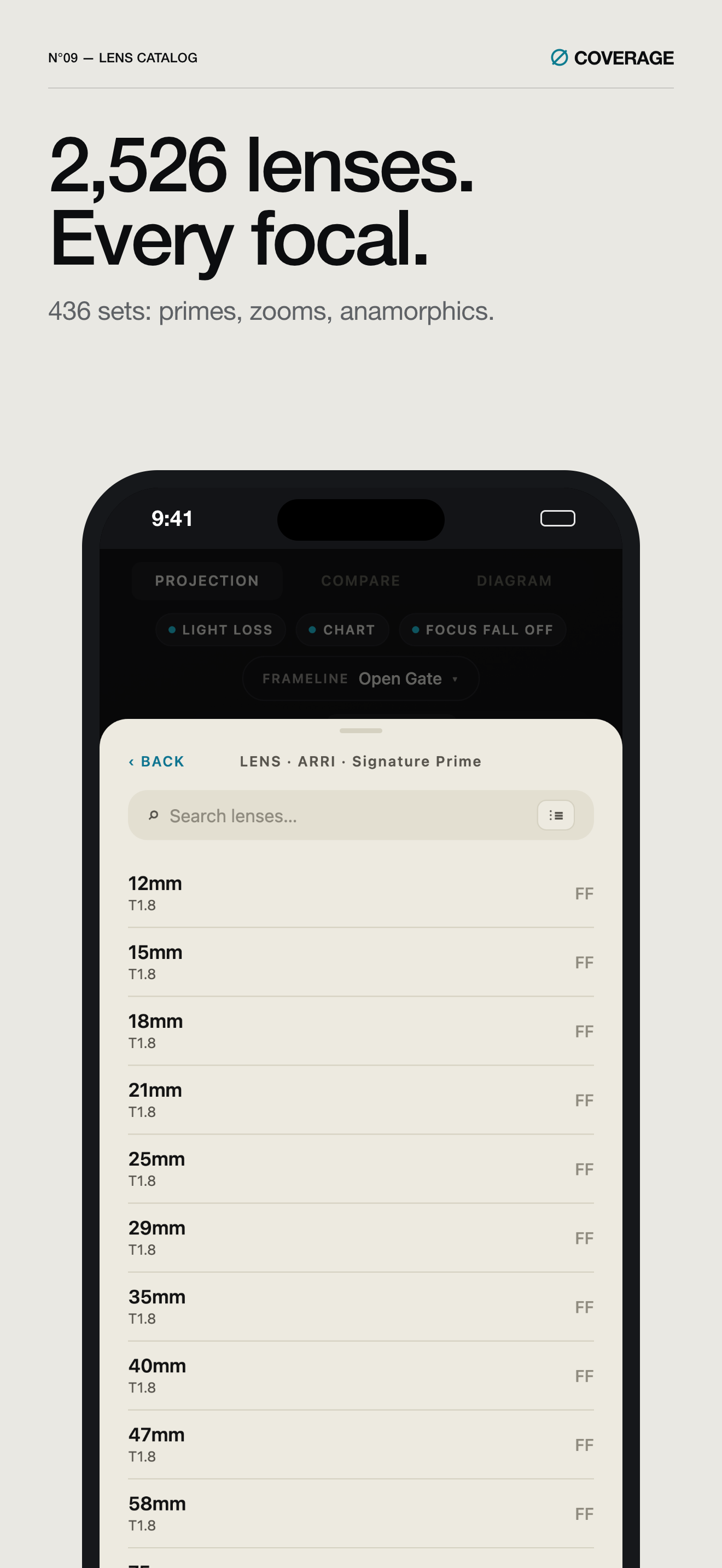
Coverage is an iPhone app for the camera department. Pick a camera, a sensor mode and a lens, and it draws the image circle that lens throws onto that sensor, to scale, with light falloff and a warning when the corners vignette. It also checks whether a matte box will show in the frame, and what an expander behind the lens does to the focal length, T-stop and coverage. The catalog holds 2,526 cine lenses, 73 camera bodies and 759 sensor modes.
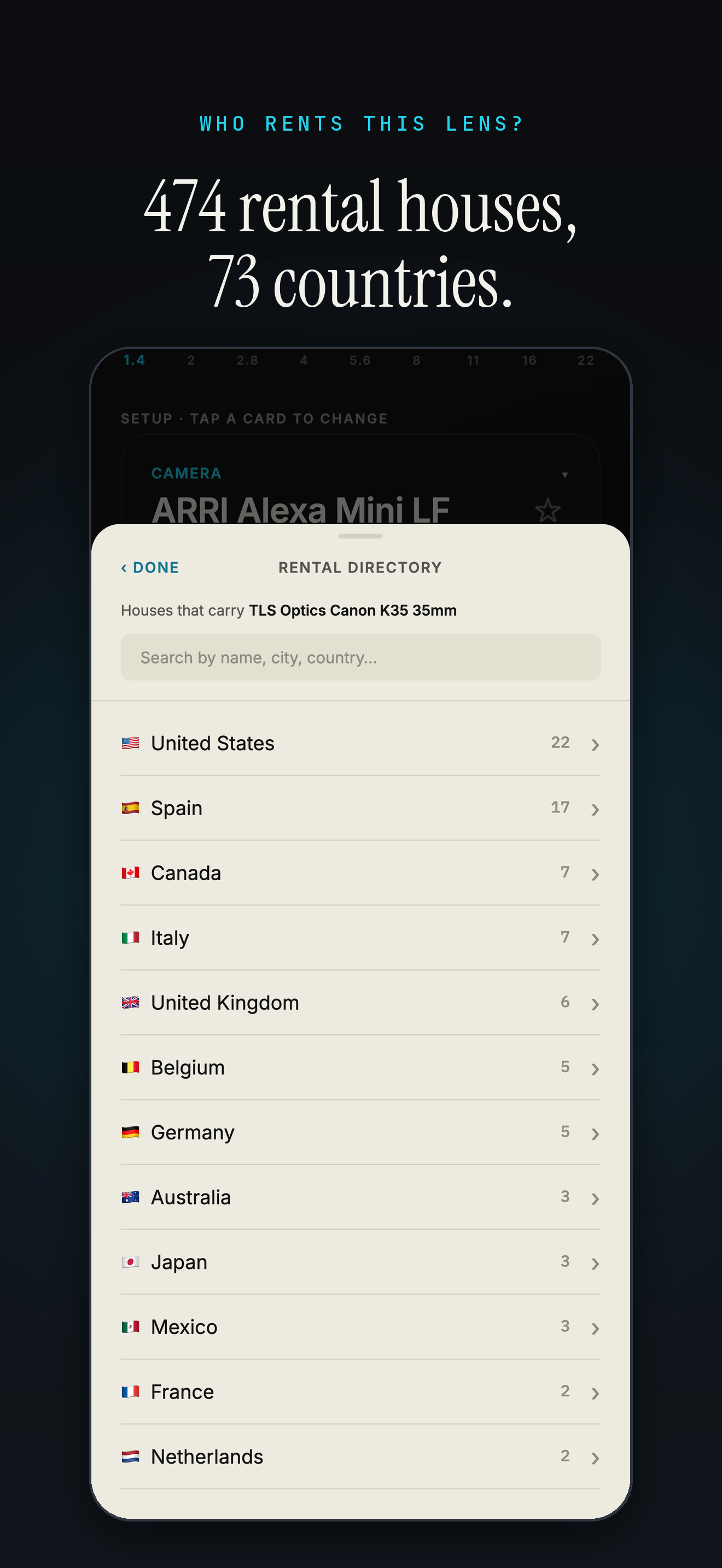
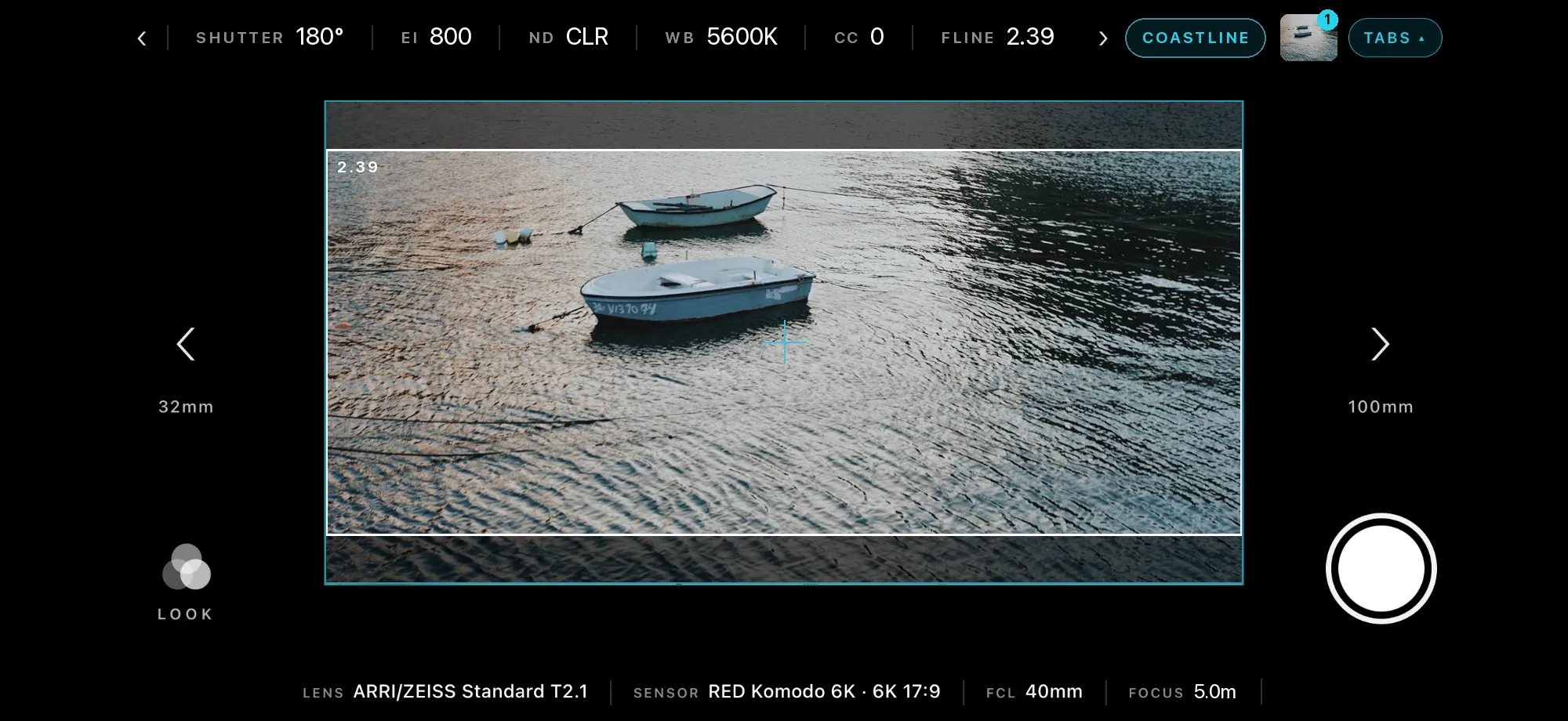
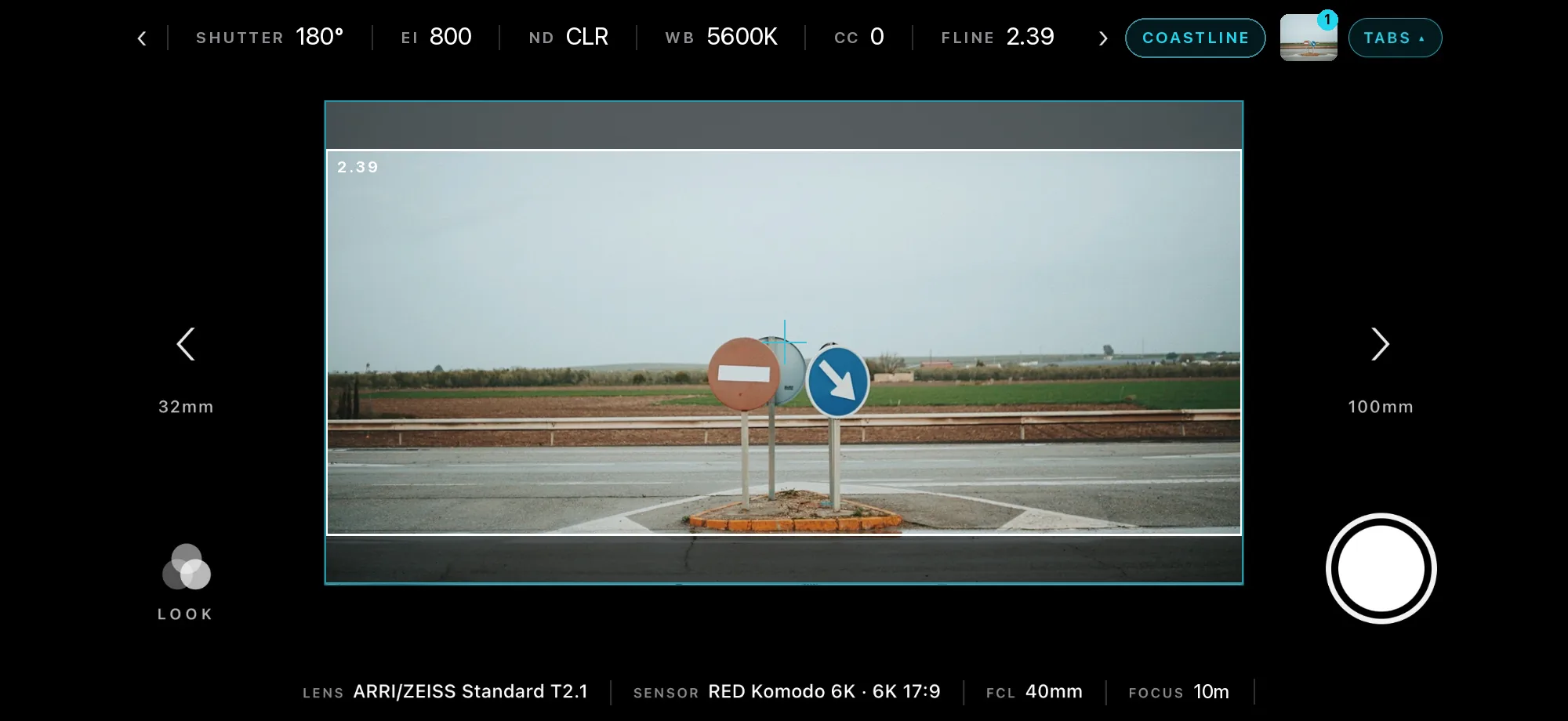
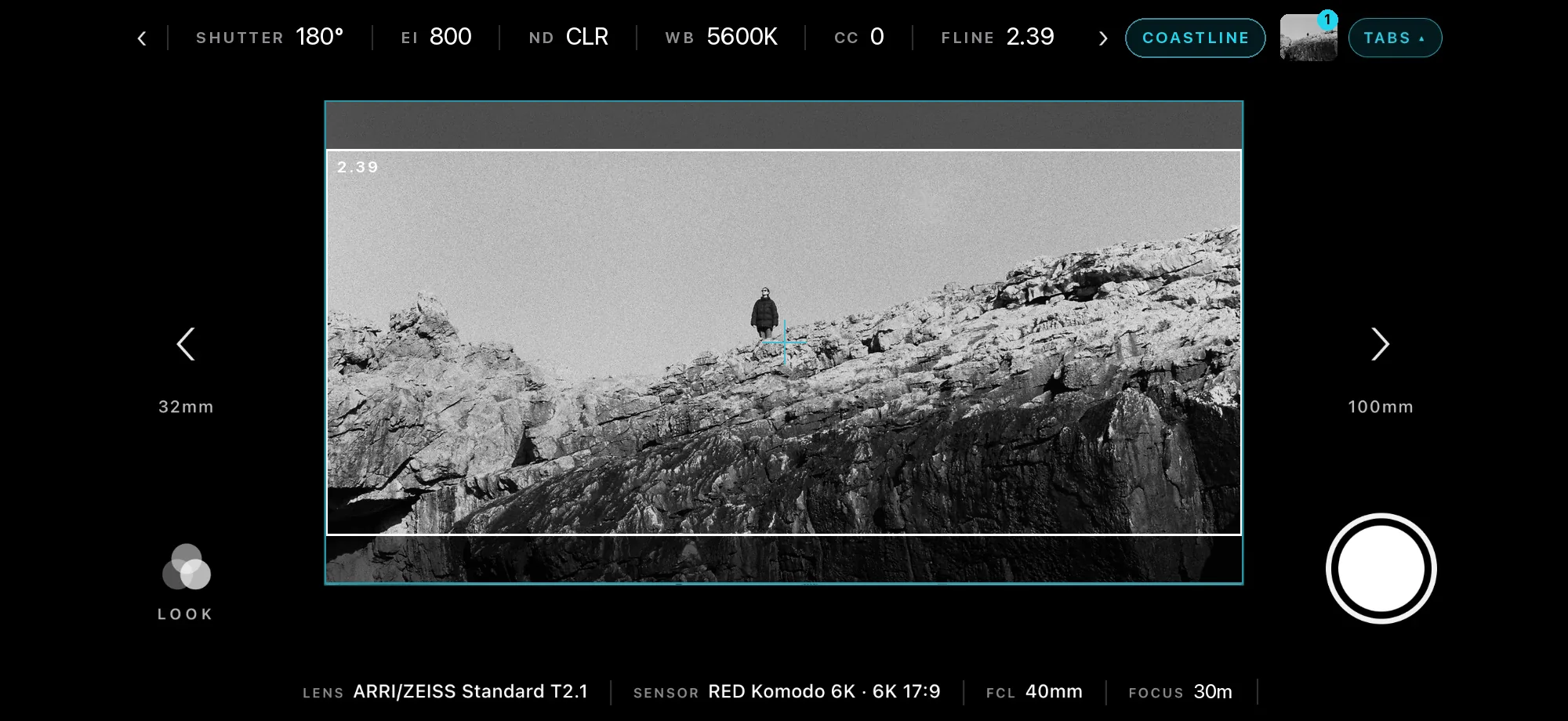
On set, the director's viewfinder zooms the phone's cameras to the cine lens's field of view and draws framelines, camera settings and the day's sun path over the live image, with EI, ND and white balance previewed as you change them. Stills and clips are saved with the lens, framelines, camera settings, tilt, compass heading and GPS. Every lens page lists the rental houses that carry it: 475 in 73 countries.
Coverage is made by Daniel Ocanto Hernandez, an independent developer. It is out on the App Store on 3 November 2026.
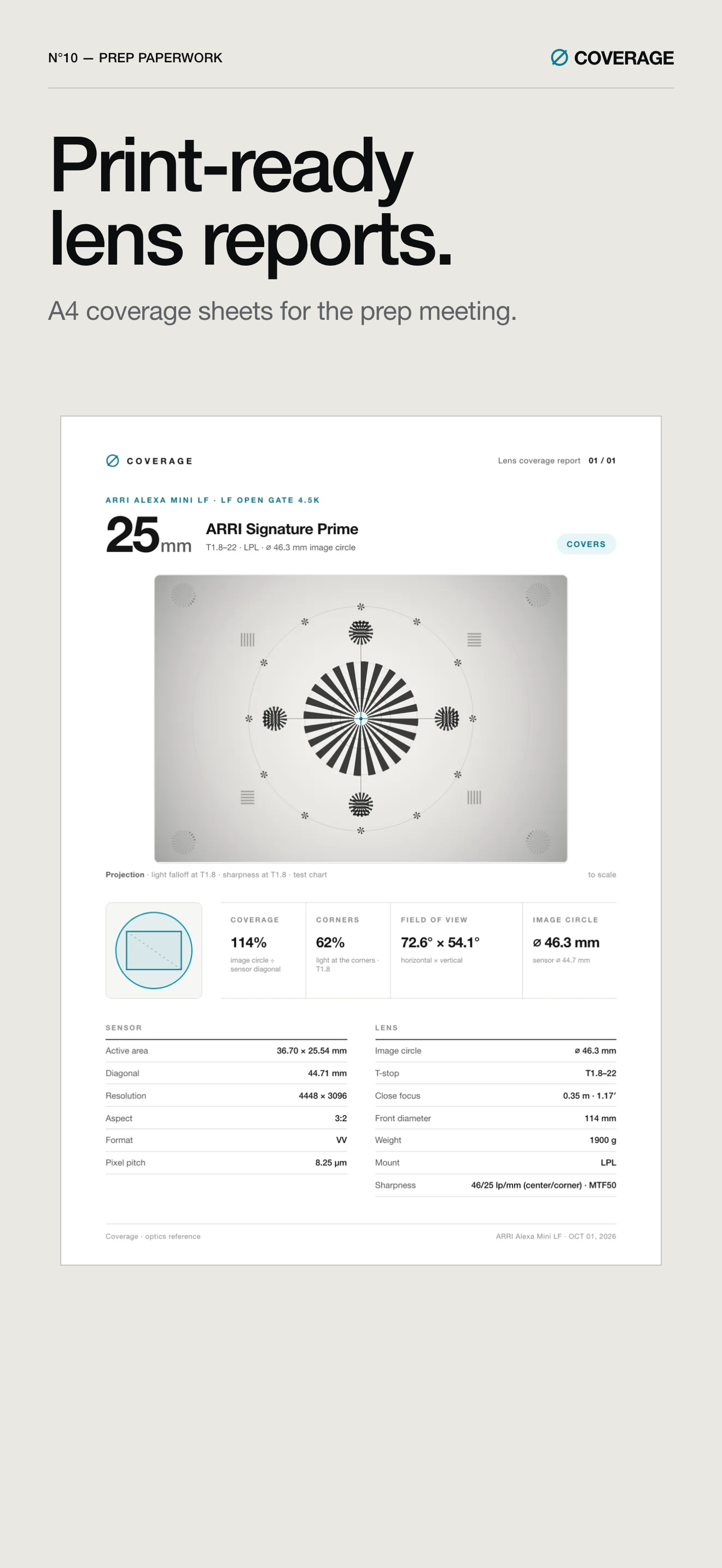
The image circle drawn to scale over the exact sensor mode, with light falloff at the T-stop you set and a warning when the corners vignette.
Two lenses on one camera, or one lens on two cameras, with the specs in two columns, row for row.
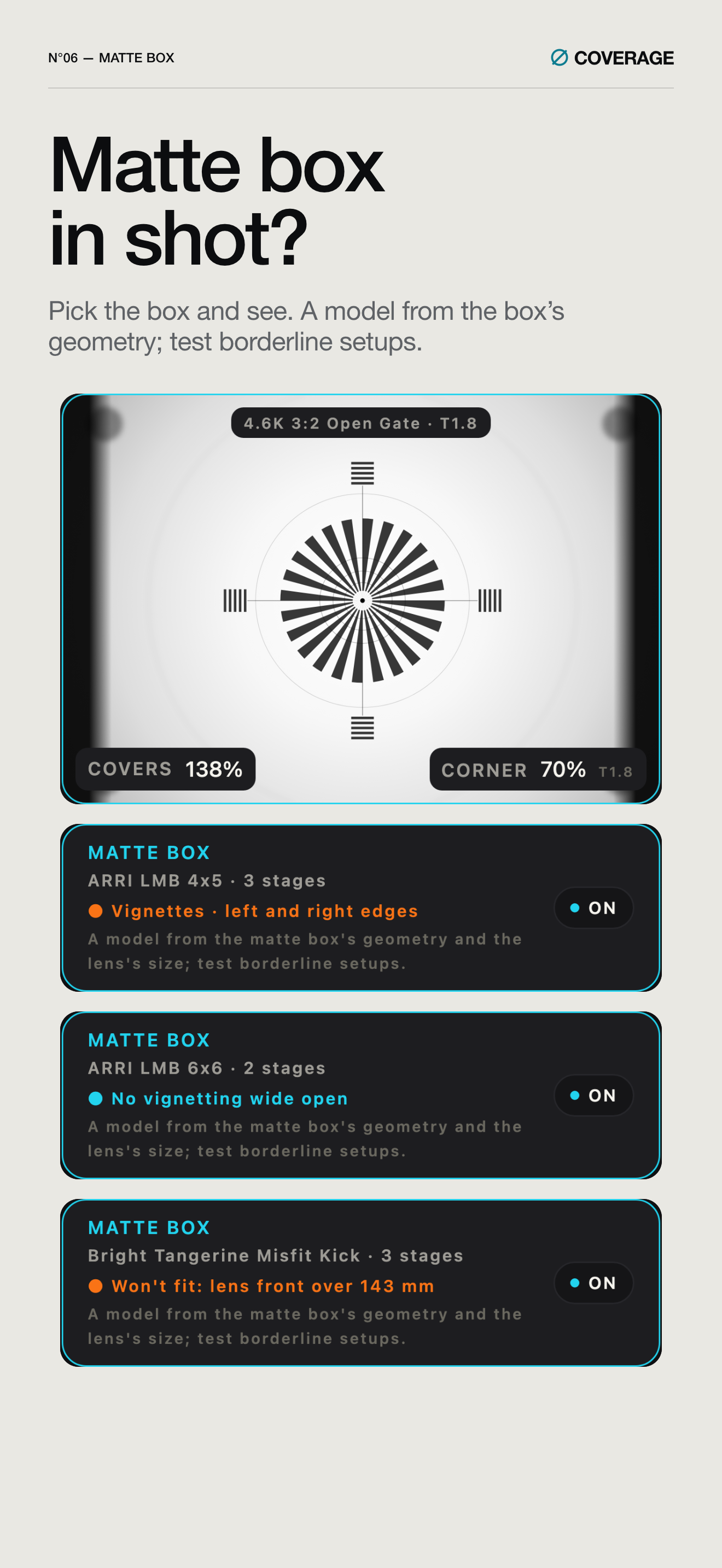
Pick a matte box and its stages, and see whether it vignettes wide open or the lens front won't fit. Eleven boxes from ARRI, Bright Tangerine and Tilta. A model from the box's geometry; test borderline setups.
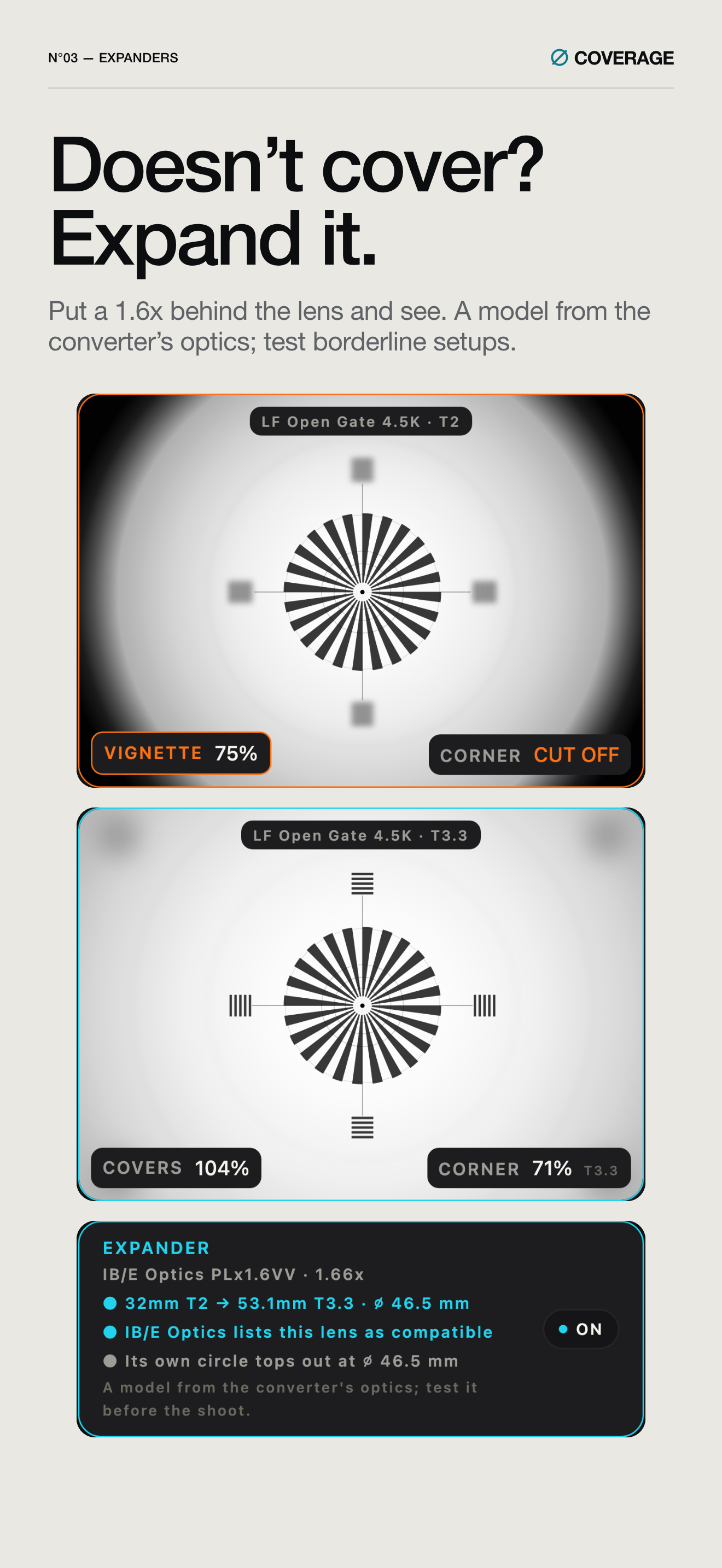
29 rear converters: expanders, extenders and focal reducers. See the new focal length, T-stop and image circle on your sensor. A model from the converter's optics; test borderline setups.
The phone's cameras zoom to the cine lens's field of view, with framelines, a camera-settings HUD and looks (.cube, ARRI .aml, ASC CDL) over the live image.
Change the EI, ND or white balance and the picture follows, against the project's settings. A preview, not a light meter.
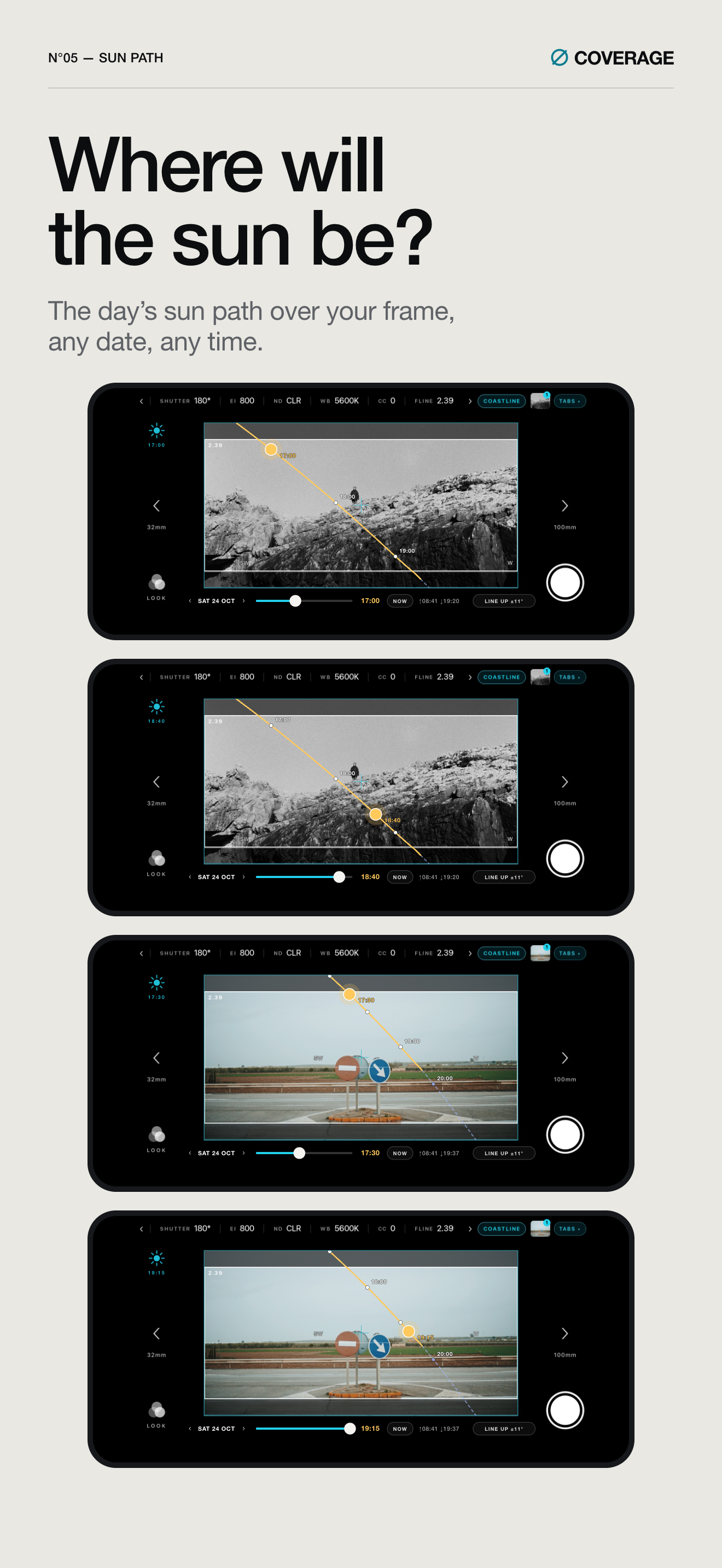
The day's sun path over the frame for any date and time, from your location and heading. Saved with every shot, with sunrise, sunset and golden hour.
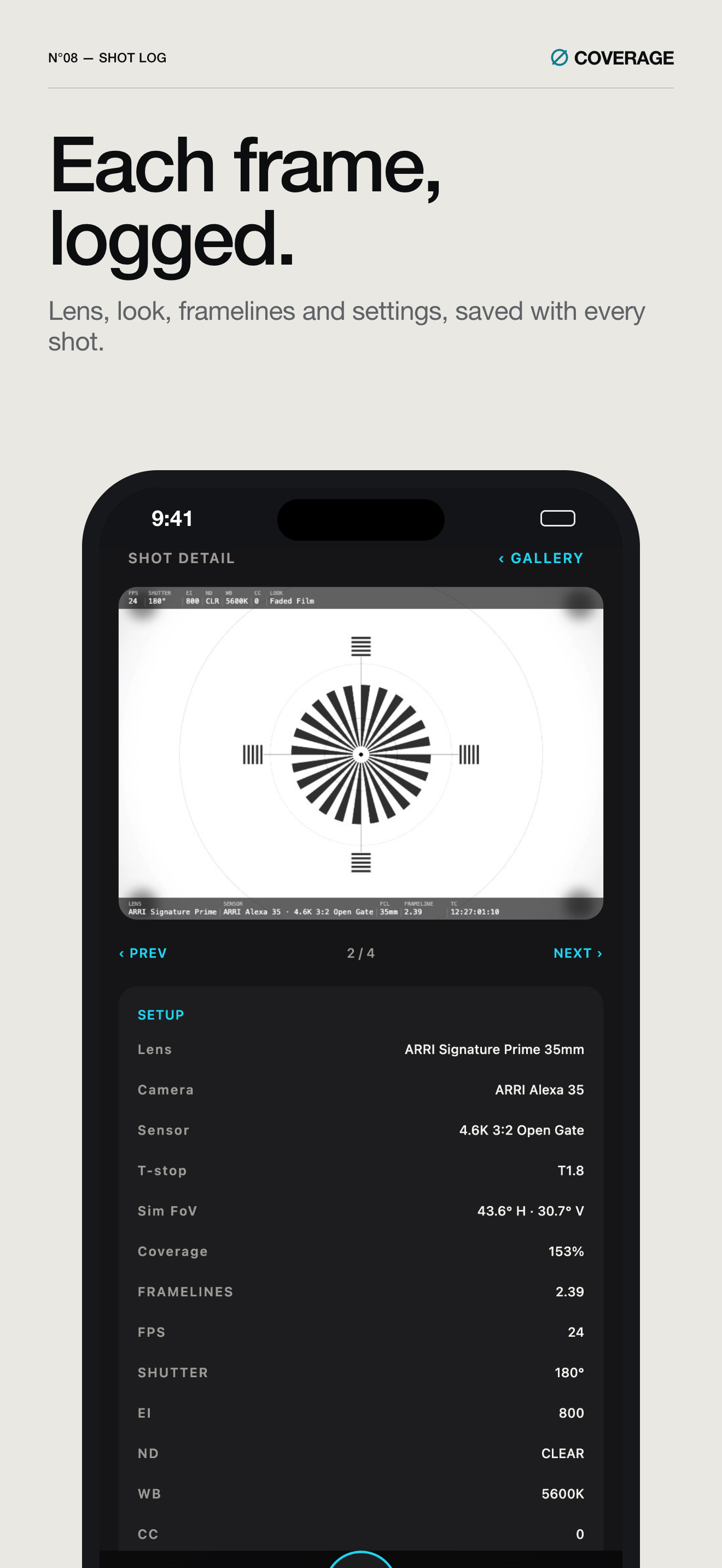
Stills and clips save with the lens, framelines, camera settings, tilt, compass heading and GPS. Export them as a shot-list PDF.
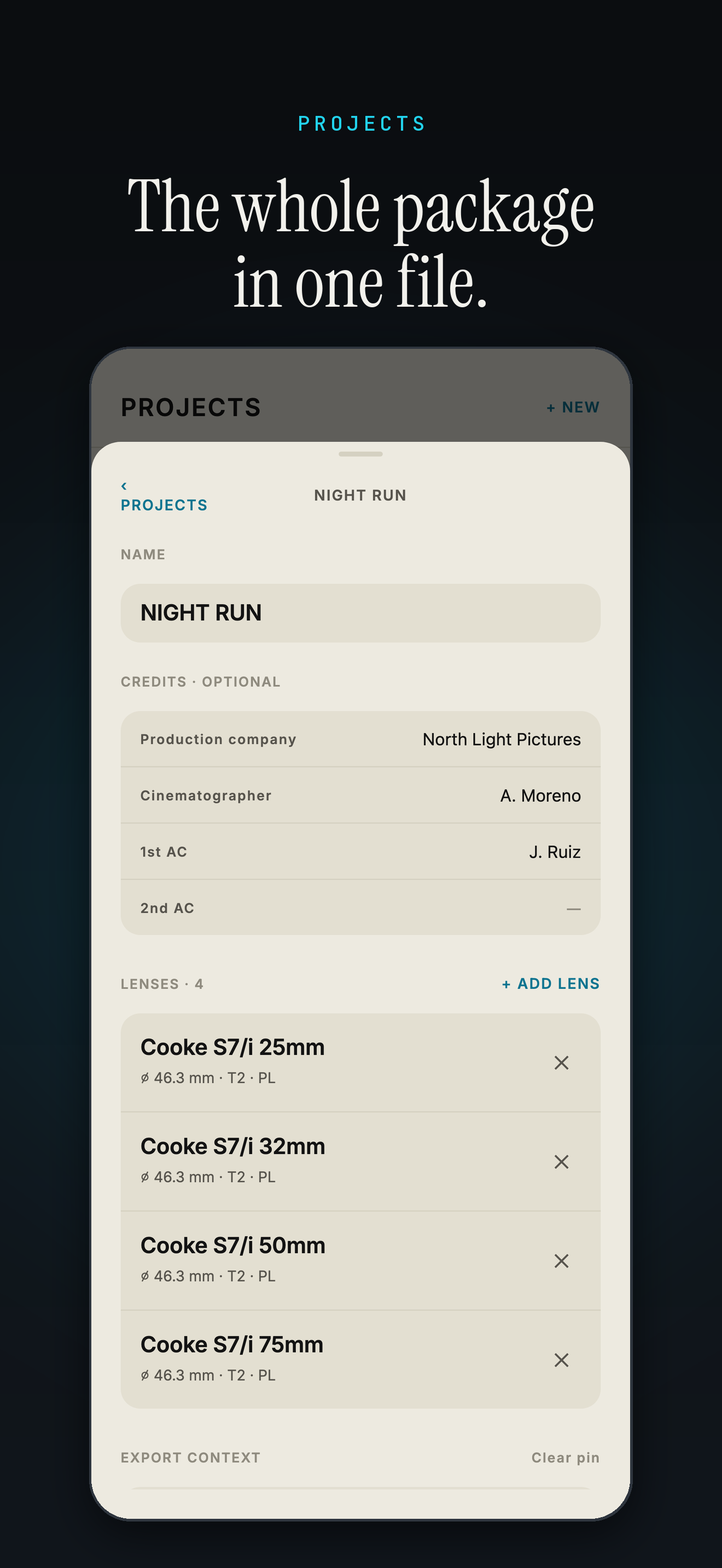
Camera, sensor mode, lens list and crew credits together, shared as a single file.
A4 reports for a lens, a set or a project, and landscape A|B comparison sheets.
475 rental houses in 73 countries, listed lens by lens, with their websites and contact details.
MTF and lens data exported as a Nuke .nk file and CSV.
Ten PNGs at 1320 × 2868, the set on the App Store since 1.2. Each one opens the full-size file.
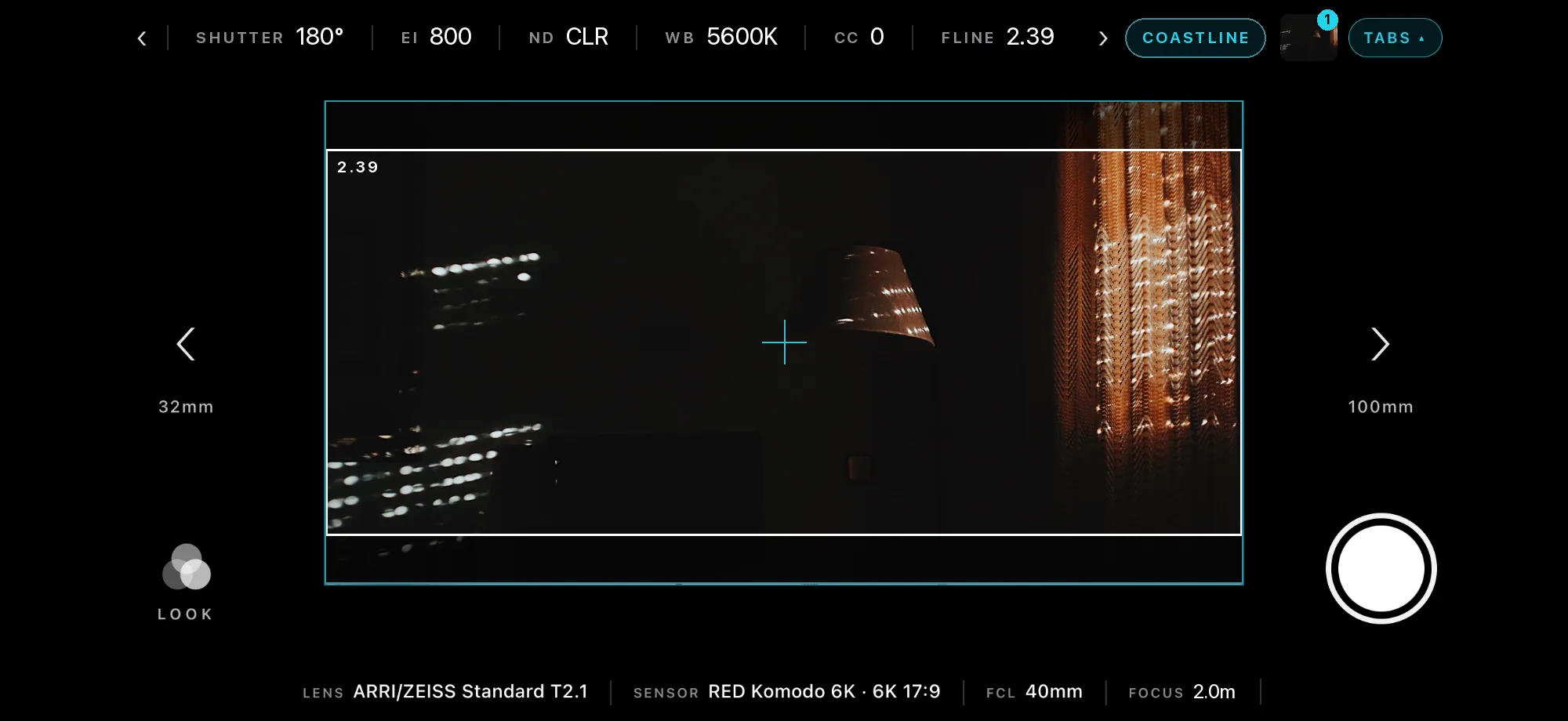
Frames in the director's viewfinder. They show framing, not a particular lens's look. PNG, 2000 × 920.
Please use them as supplied: no recolouring, cropping or added effects.
Daniel Ocanto Hernandez, developer. Interviews, review questions and asset requests. Answers within two working days.
Out on the App Store for iPhone on 3 November 2026. Free download with a 7-day trial, then a one-time purchase.