The camera department's field kitiPhone · On the App Store

Frame it before you shoot it.

The camera department's field kit. Put any lens on any sensor, see its coverage, falloff and framing, then take it to set through a director's viewfinder on your phone.

9:41
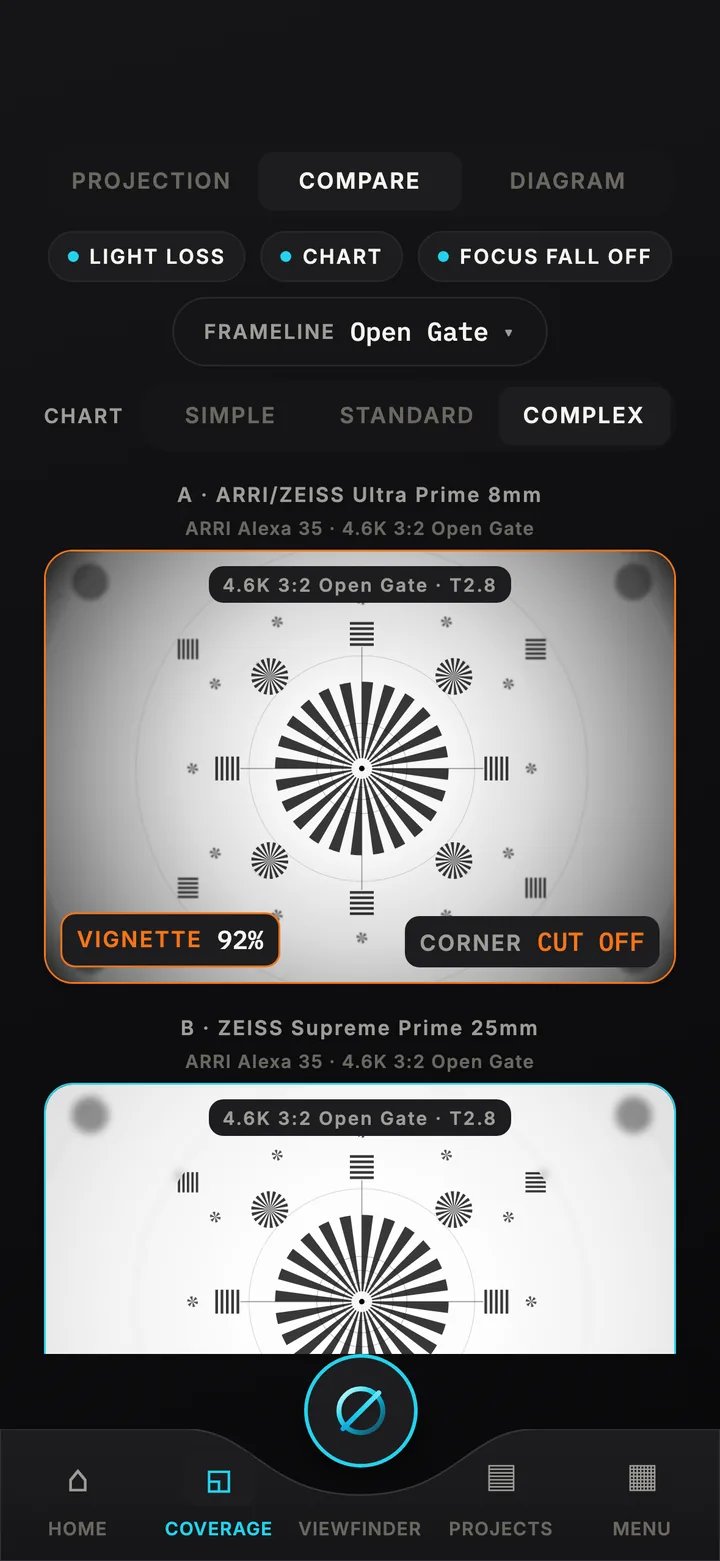
Compare view: Ultra Prime 8mm and Supreme Prime 25mm on an Alexa 35, side by side
9:41
Coverage projection of an Ultra Prime 8mm on an Alexa 35 Open Gate, showing light falloff and the vignette warning

ARRI/ZEISS Ultra Prime 8mm Alexa 35 · 4.6K 3:2 Open Gate ⌀ 31 mm circle · 33.96 mm diagonal Vignette · corners cut off

2,526 lenses · 73 cameras · 759 sensor modes Primes, zooms, anamorphics, rehousings
Coverage

Does it cover? Know before you’re on set.

Pick a camera, a sensor mode and a lens. Coverage draws what that glass actually throws onto that sensor, to scale.

Projection

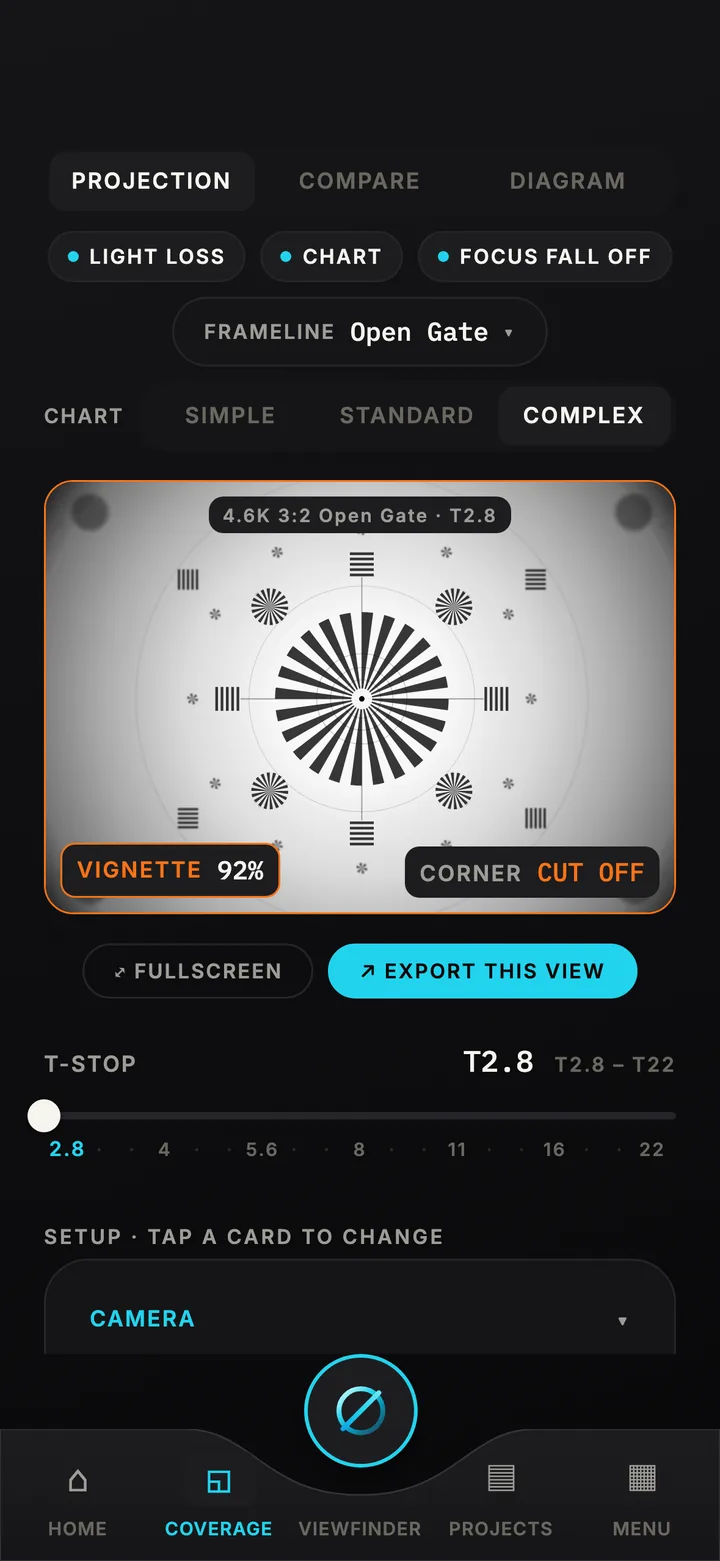
The image circle, its falloff, and where the corners go dark.

Light loss follows a falloff model built from the T-stop you set, the focal length and the lens's image circle. Turn on the test chart and focus falloff to see how the edges hold up.

Vignette 92%Corners cut offWide open · T2.8
9:41
Coverage projection with falloff
Compare A | B

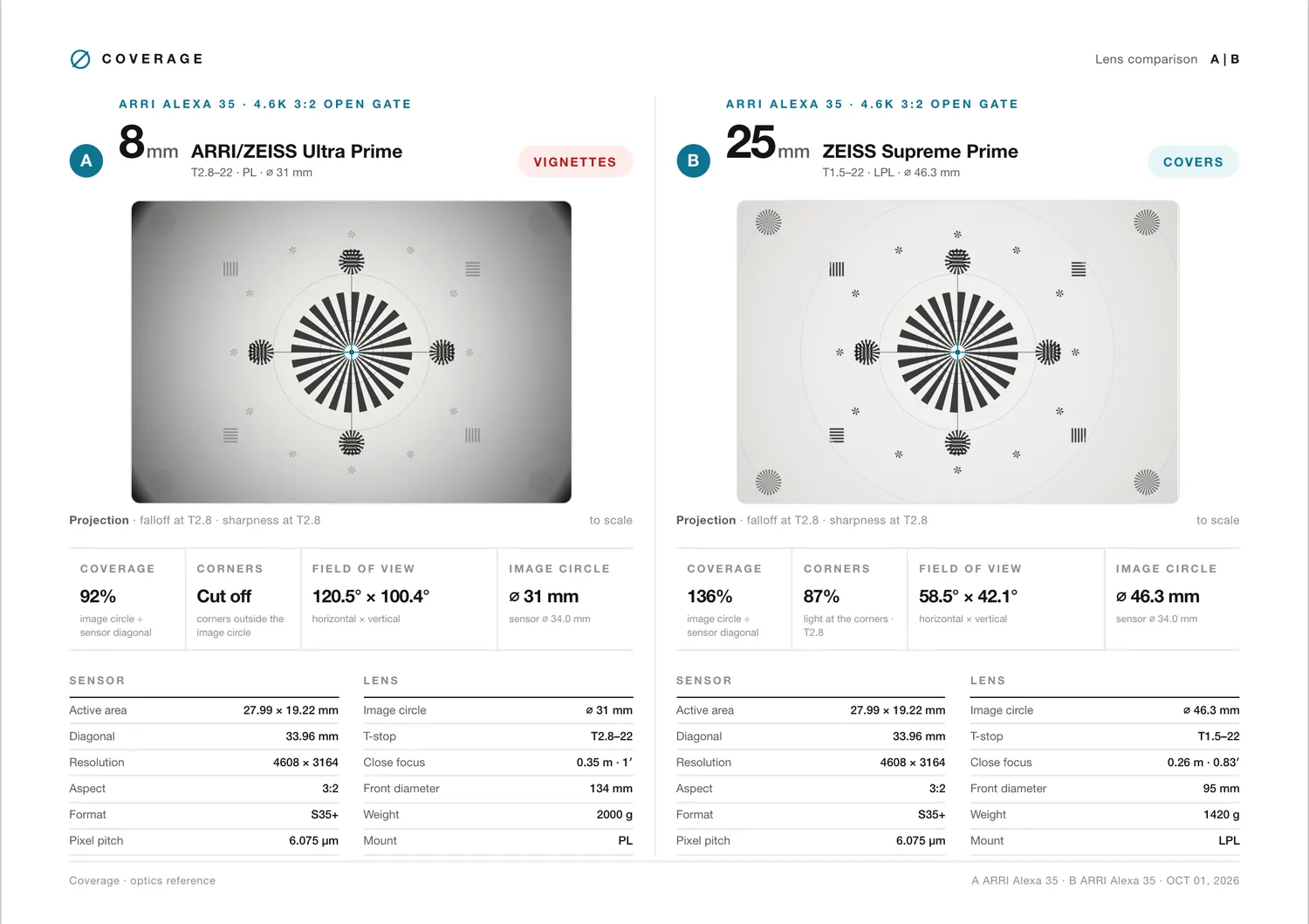
Two cameras or two lenses, side by side.

Line up an 8mm against a 25mm, or the same lens on two sensors. Specs sit in two columns, row for row, and the export is a landscape sheet you can send to the producer.

A · Alexa 35 + Ultra Prime 8B · Alexa 35 + Supreme 25
9:41
Compare A and B
Diagram

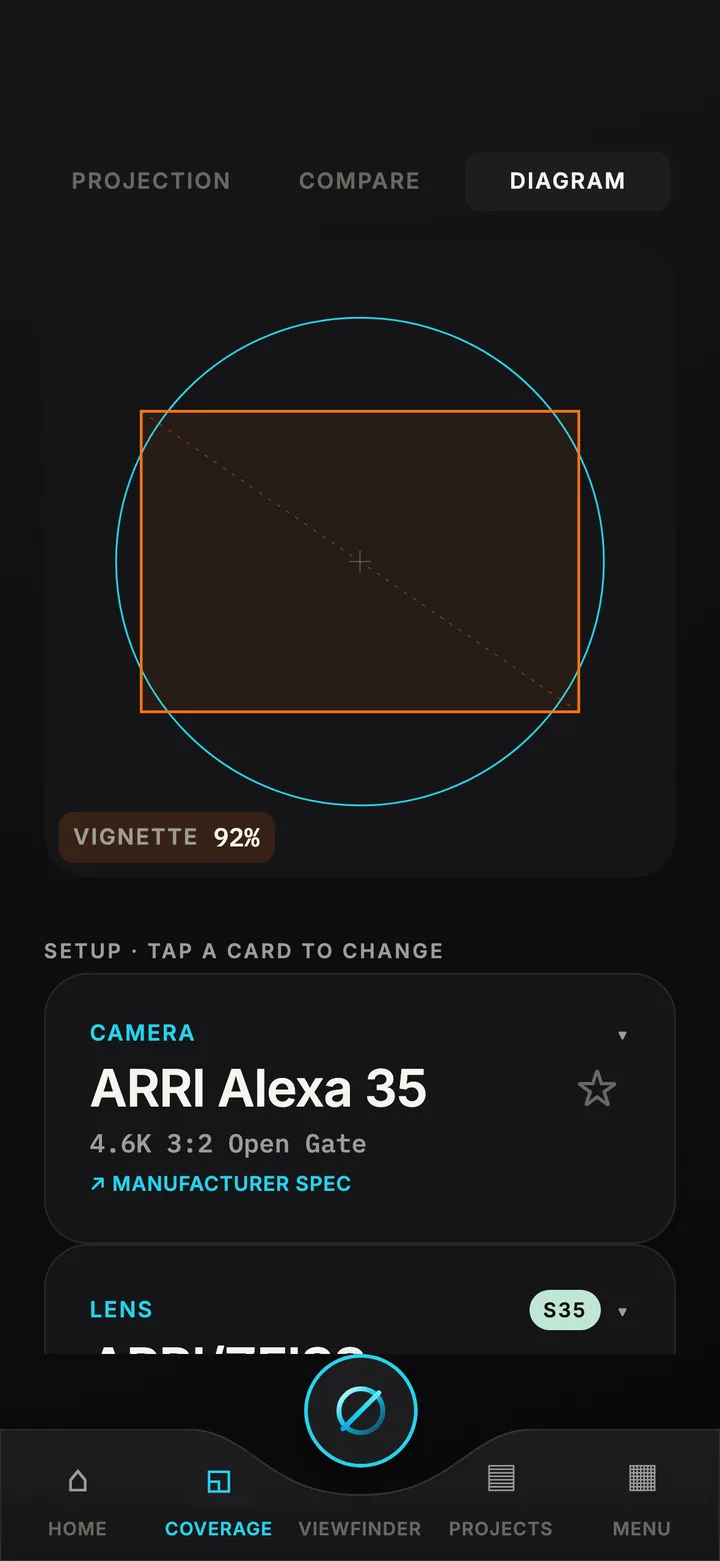
Image circle against sensor, to scale.

The quickest answer to "will it vignette on open gate?" A clean diagram you can screenshot into a prep doc.

⌀ 31 mm image circle33.96 mm sensor diagonal
9:41
Coverage diagram
Specs

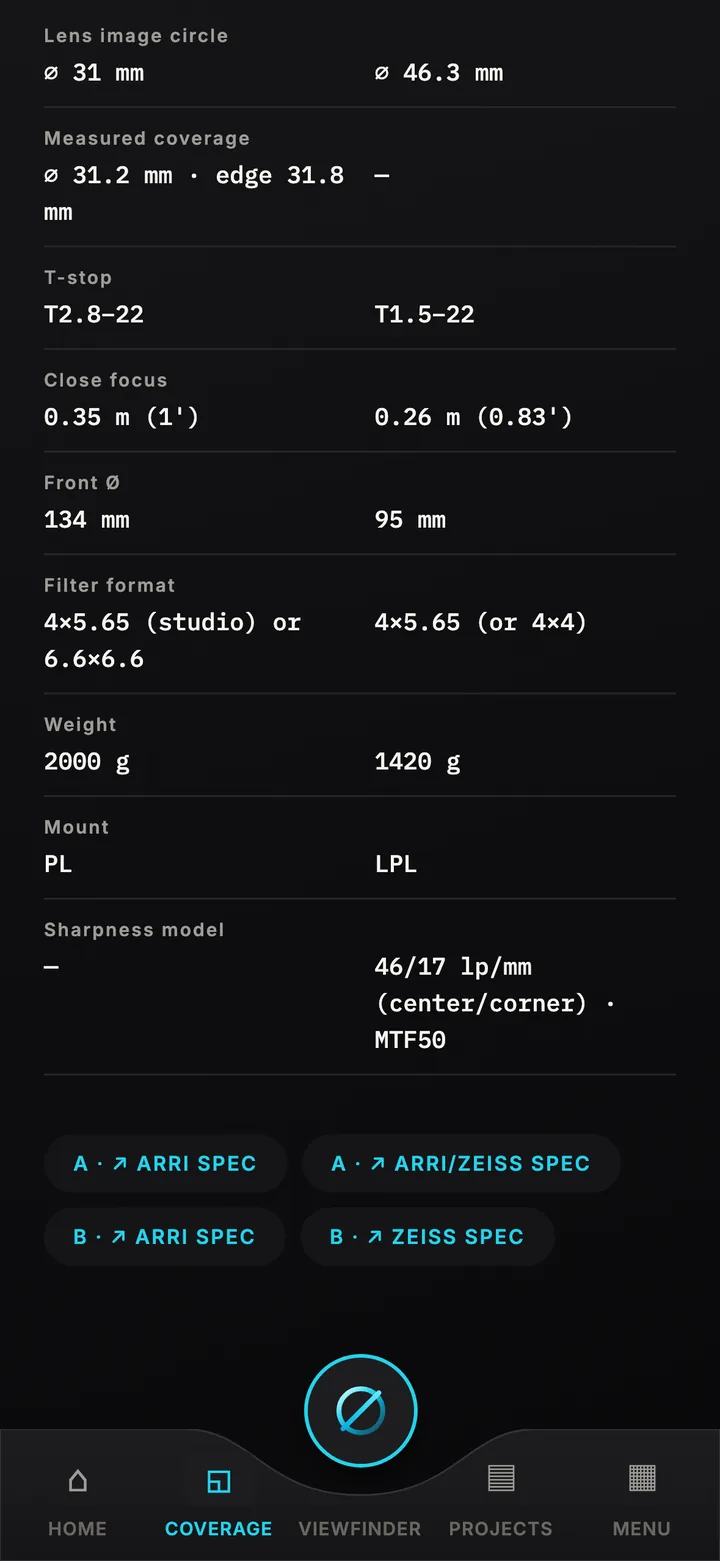
The numbers an AC preps with.

Active area, diagonal, close focus, front diameter, weight and mount from the makers' published specs, plus the field of view, measured coverage and matte-box filter format worked out for your exact sensor mode.

Front ⌀ 134 mm4×5.65 or 6.6×6.6MTF50 46/17 lp/mm
9:41
Specs in two columns
Around the lens

The box in front, the converter behind, the sun overhead.

Three more prep questions, answered before the shoot: will the matte box show, will an expander make it cover, and where will the light be.

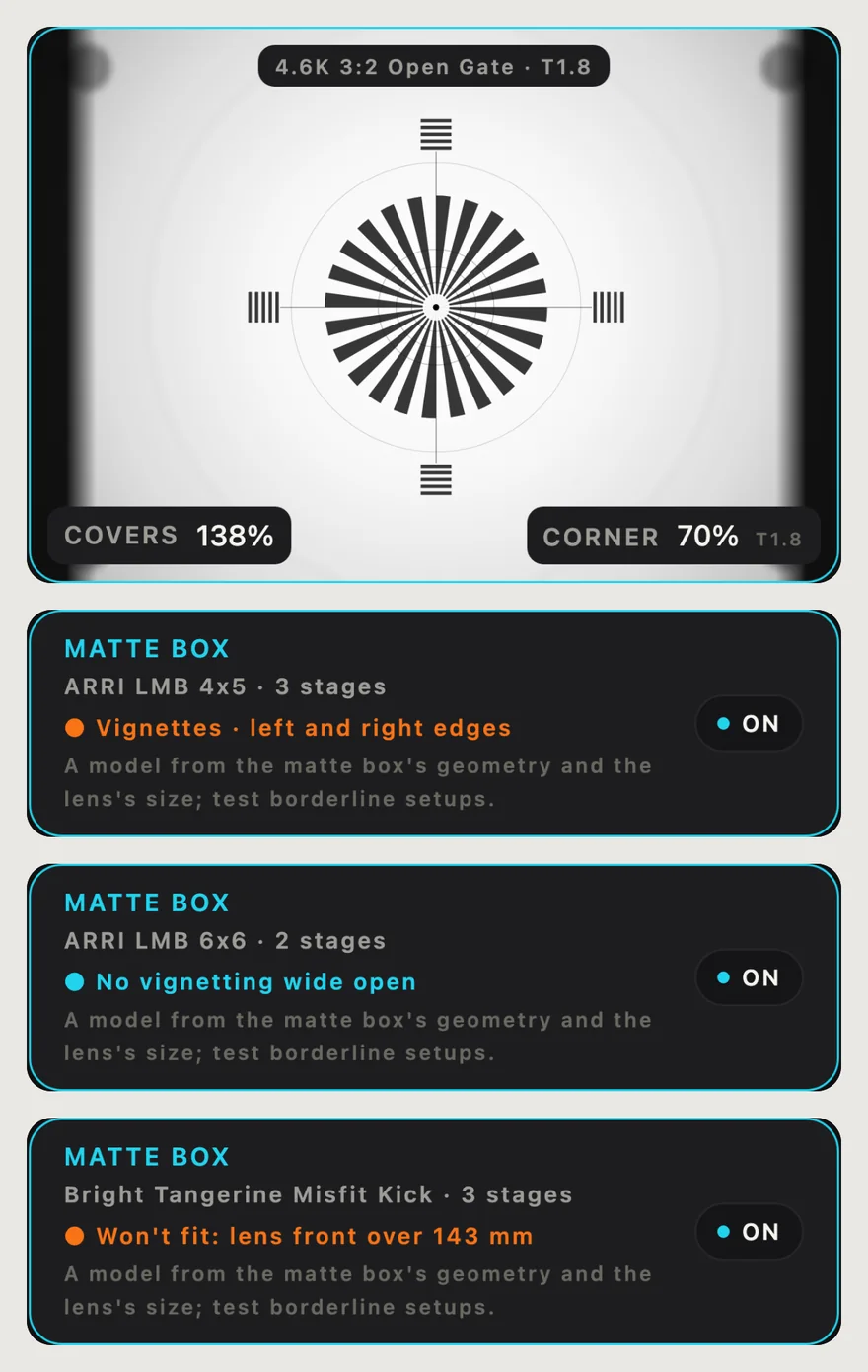
Matte box check on a 4.6K 3:2 Open Gate sensor: an ARRI LMB 4x5 with three stages vignettes at the left and right edges, an LMB 6x6 with two stages is clear wide open, and a Bright Tangerine Misfit Kick won't fit a lens front over 143 mm
Matte box

Will the box show in the frame?

Pick the matte box and how many stages you're running. Coverage checks it against the lens wide open and tells you which edges would vignette, or that the lens front is too big to fit. Eleven boxes from ARRI, Bright Tangerine and Tilta.

A model from the box's geometry and the lens's size. Test borderline setups.

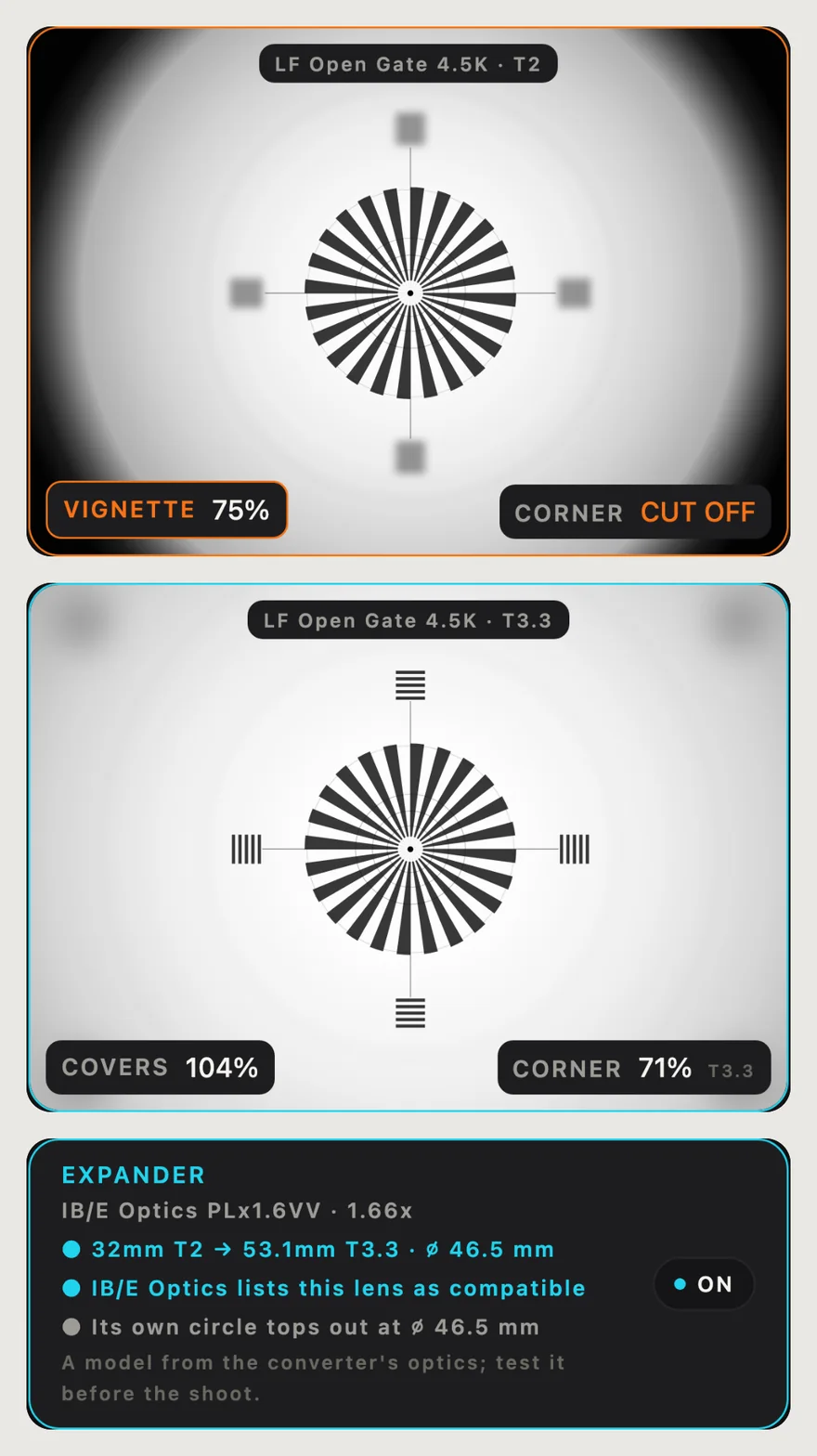
Expander check: a 32mm that vignettes on LF Open Gate covers with an IB/E Optics 1.66x expander behind it, becoming 53.1mm at T3.3 with a 46.5 mm image circle
Expanders and extenders

Doesn't cover? Expand it.

Put a rear expander or extender behind the lens and see the new focal length, T-stop and image circle on your sensor. 29 converters, reducers included, from IB/E Optics, Angénieux, ARRI, Duclos, Tokina and more.

A model from the converter's optics. Test borderline setups.

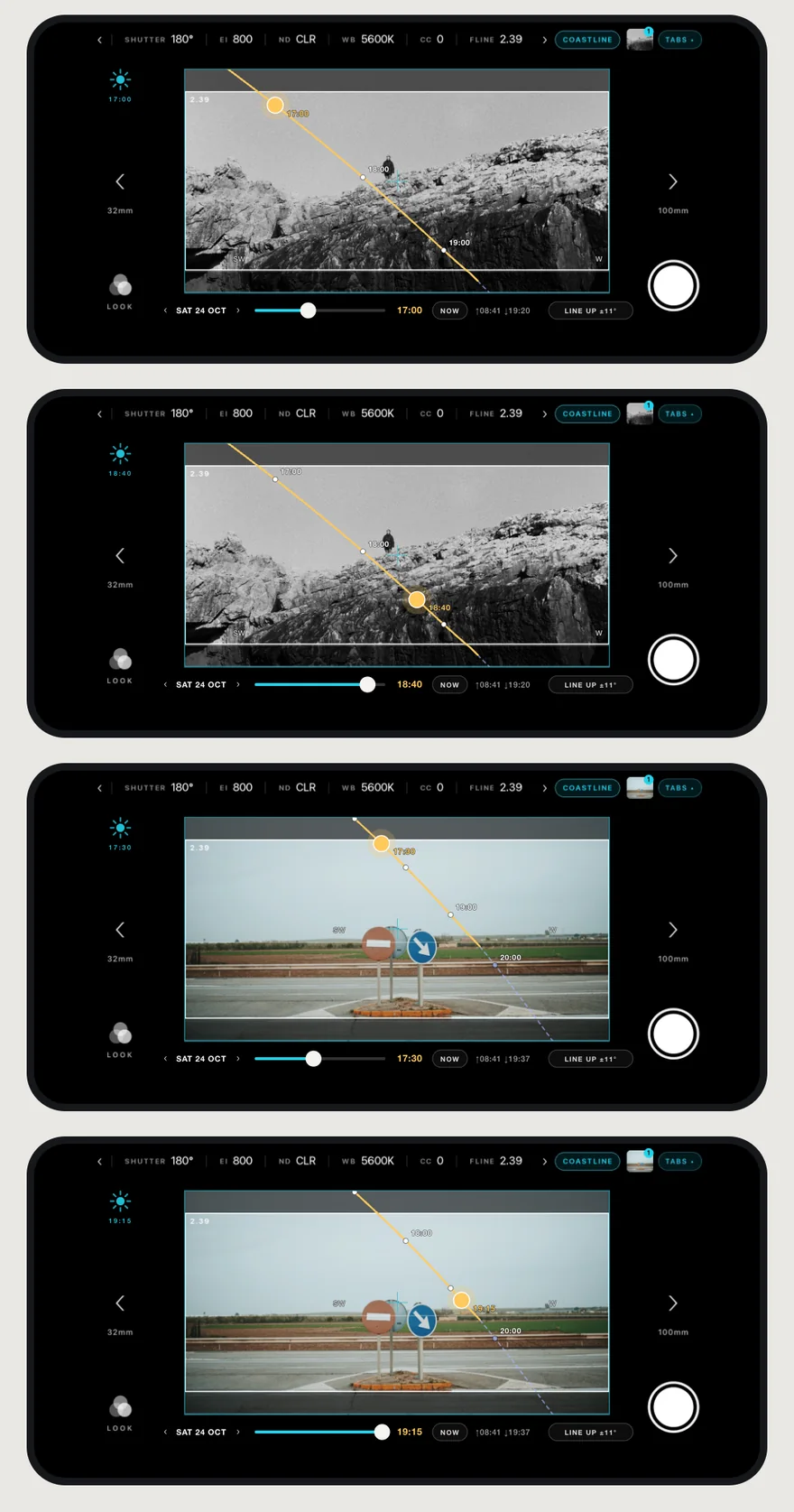
Sun path drawn over four viewfinder frames, moving through the day with a time slider
Sun path

Where will the sun be?

The day's sun path over your frame, for any date and time, from where you stand and the way the phone points. Every still and clip keeps it, with the sunrise, sunset and golden hour, and the shot list prints them.

In the app

Built for prep, carried to set.

N°01 — Home

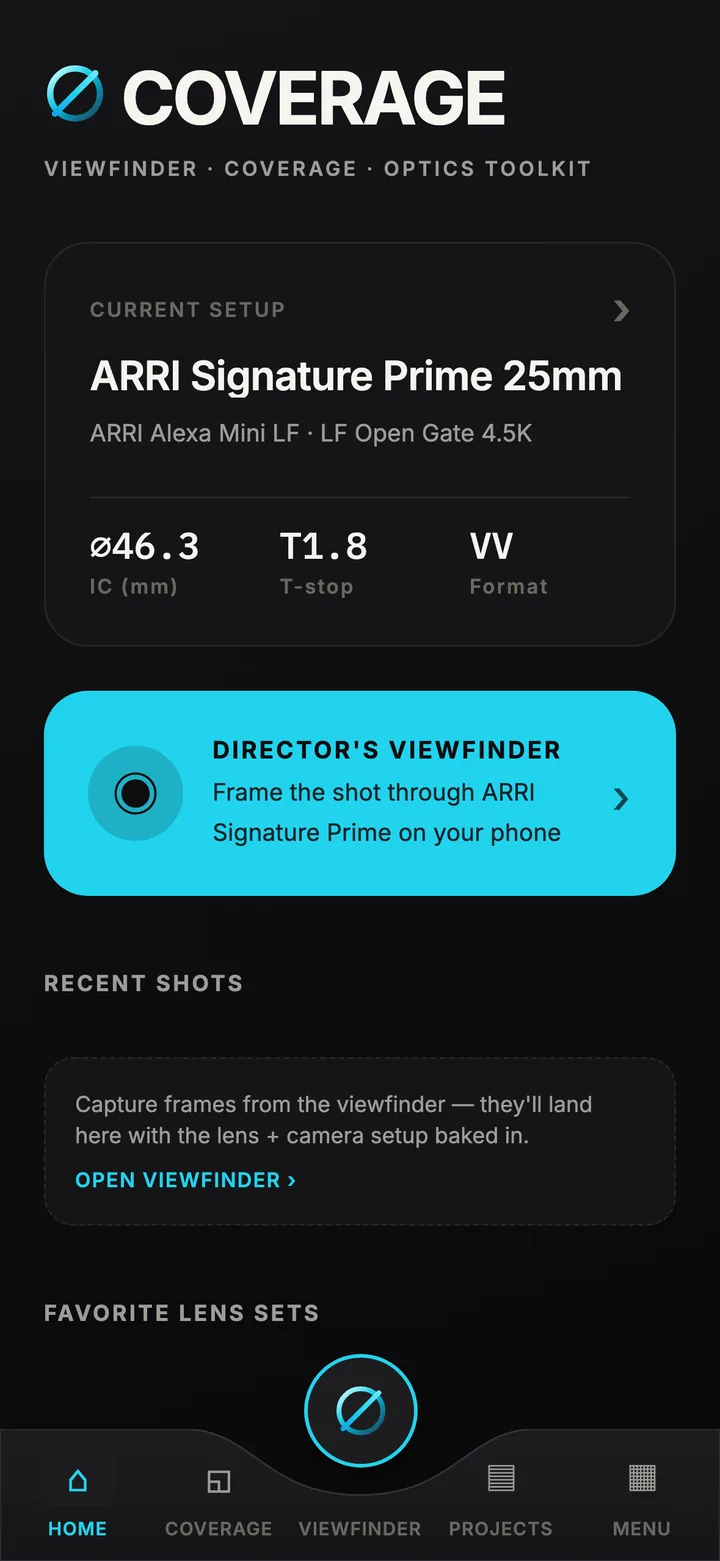
Any lens on any sensor

9:41
Home screen with the current setup
N°02 — Lens search

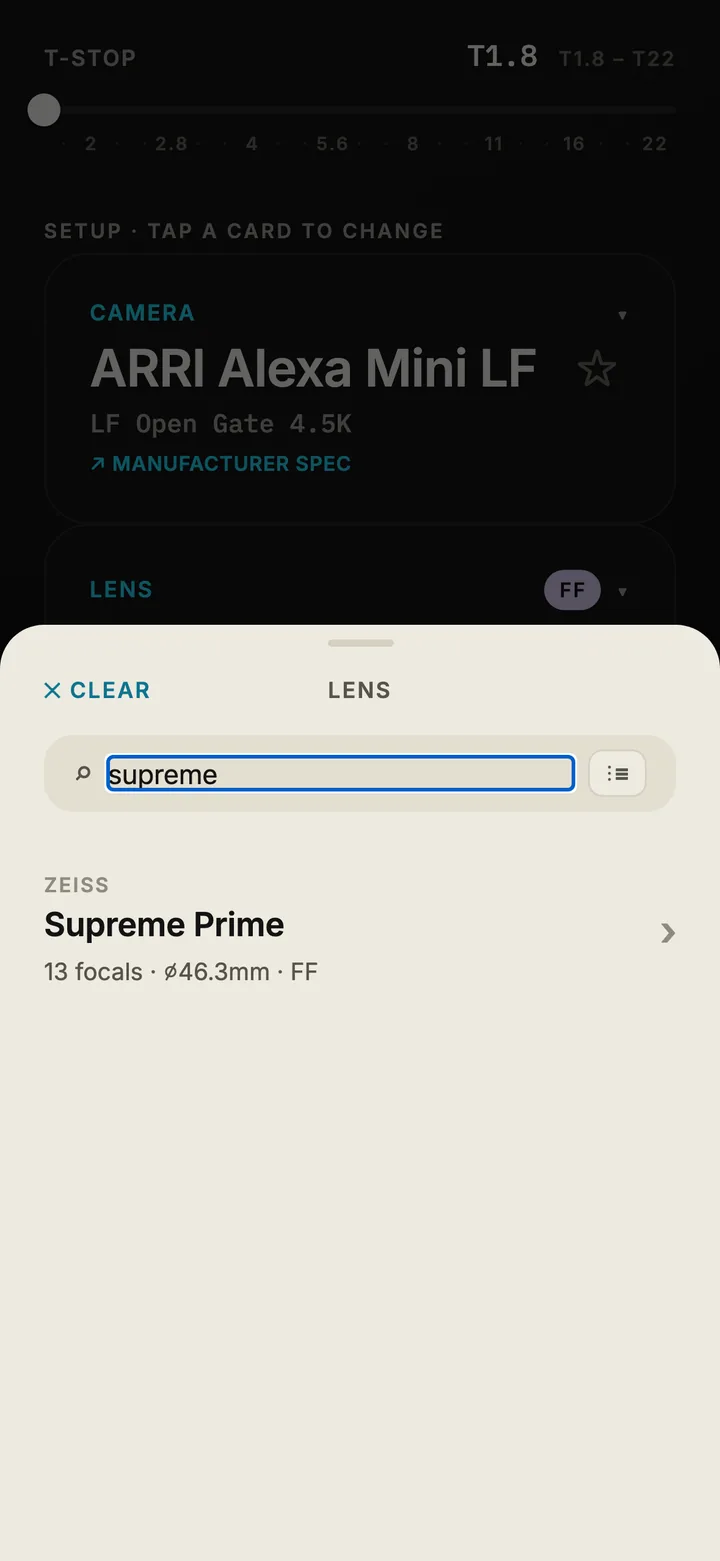
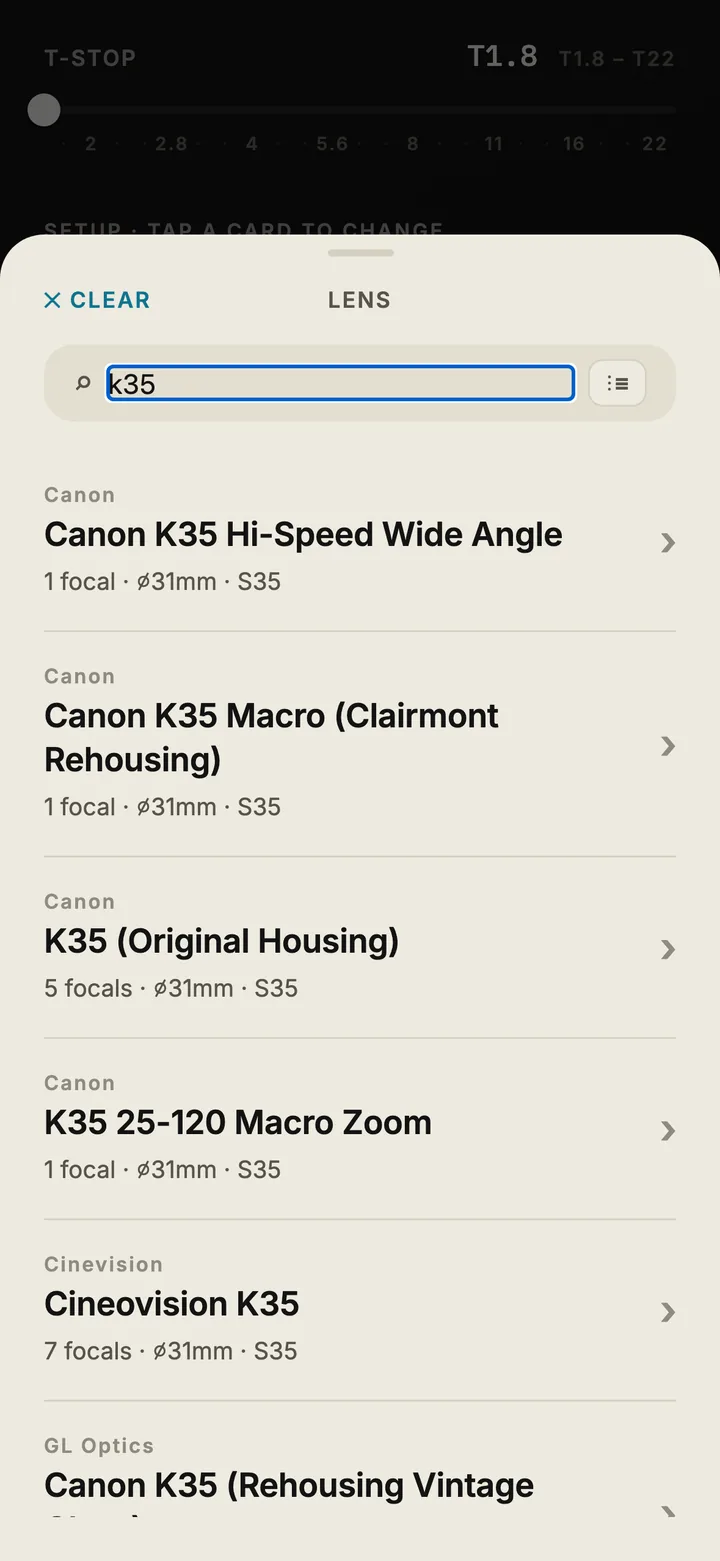
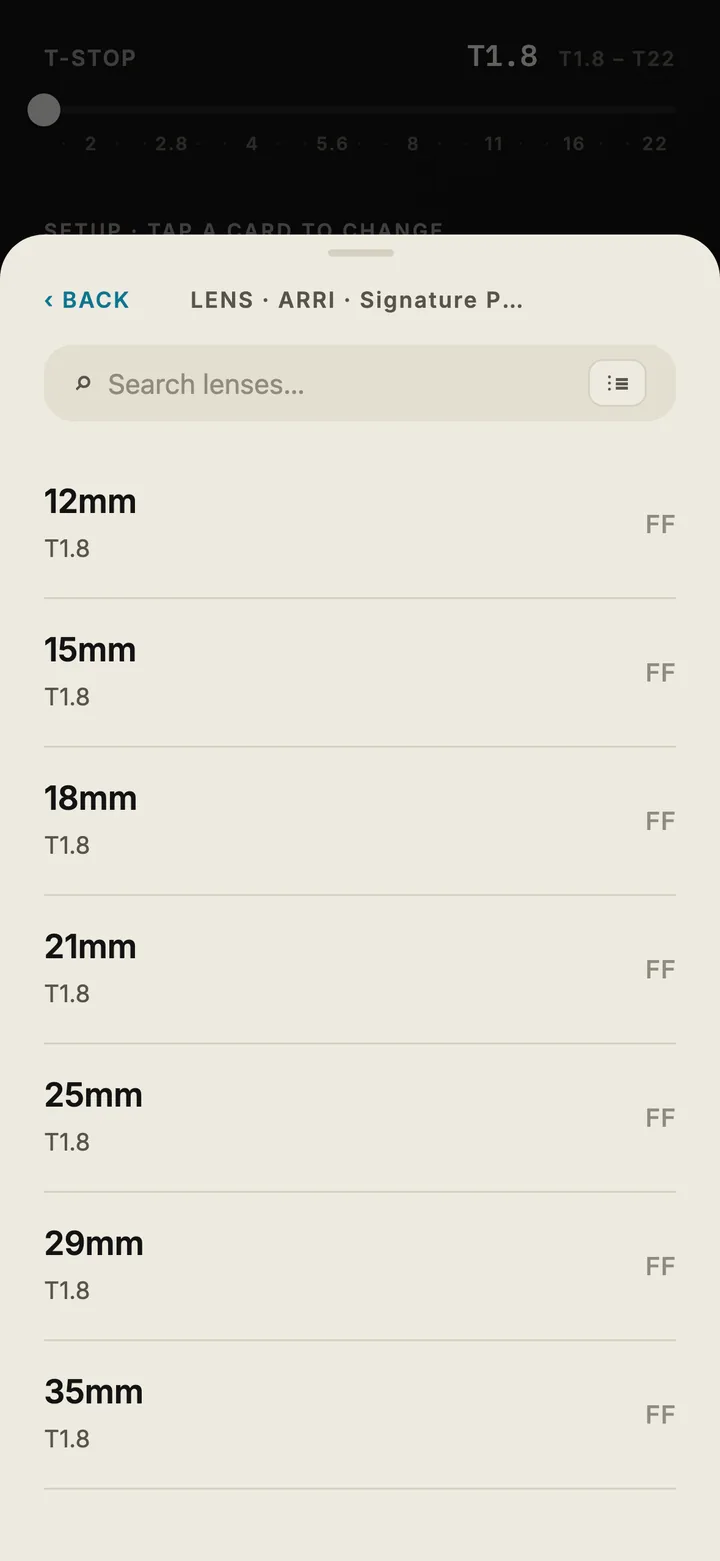
Search by the set

9:41
Lens search returning the ZEISS Supreme Prime set
N°03 — Rentals

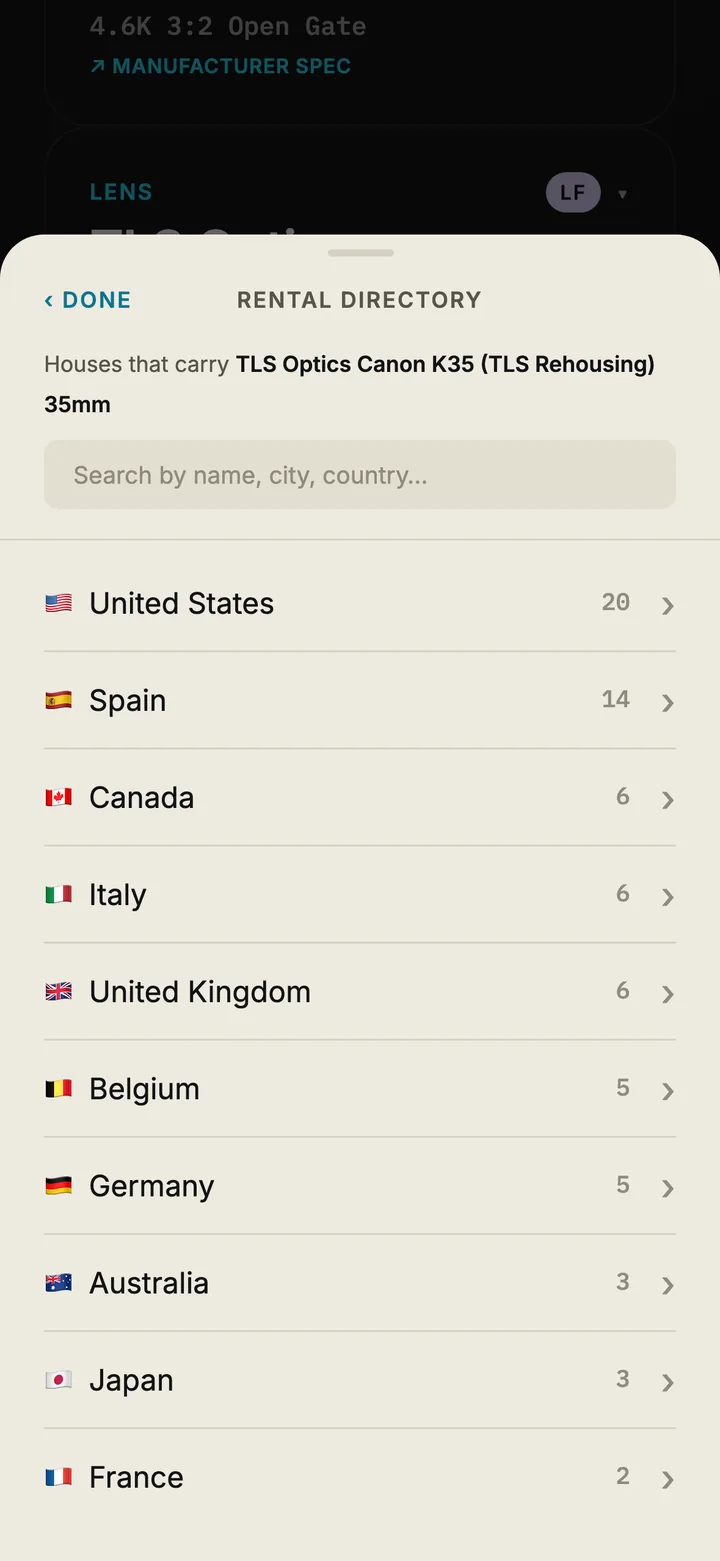
Who rents this lens?

9:41
Rental houses carrying the TLS Canon K35, by country
N°04 — Projects

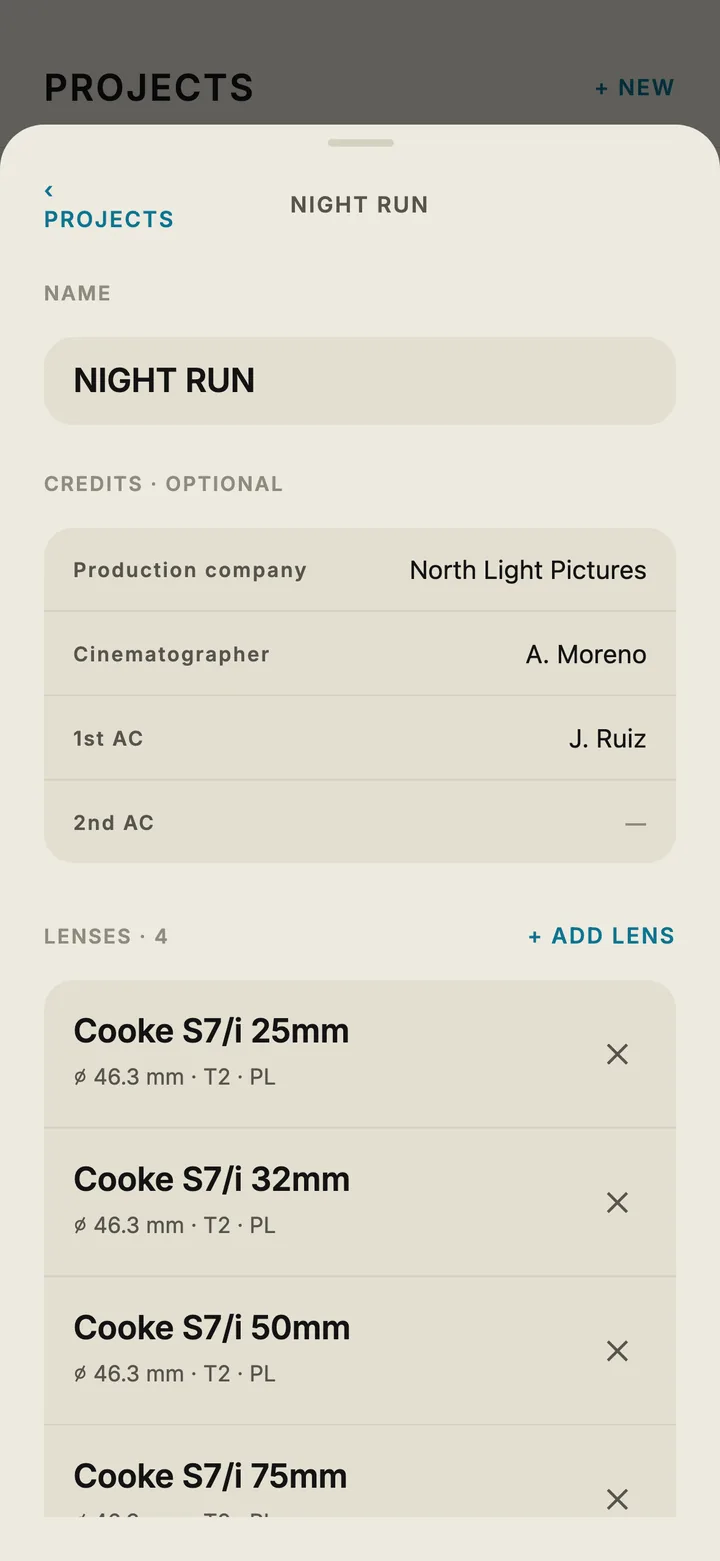
Projects for the whole crew

9:41
Project with credits and a Cooke S7/i lens list
N°05 — Menu

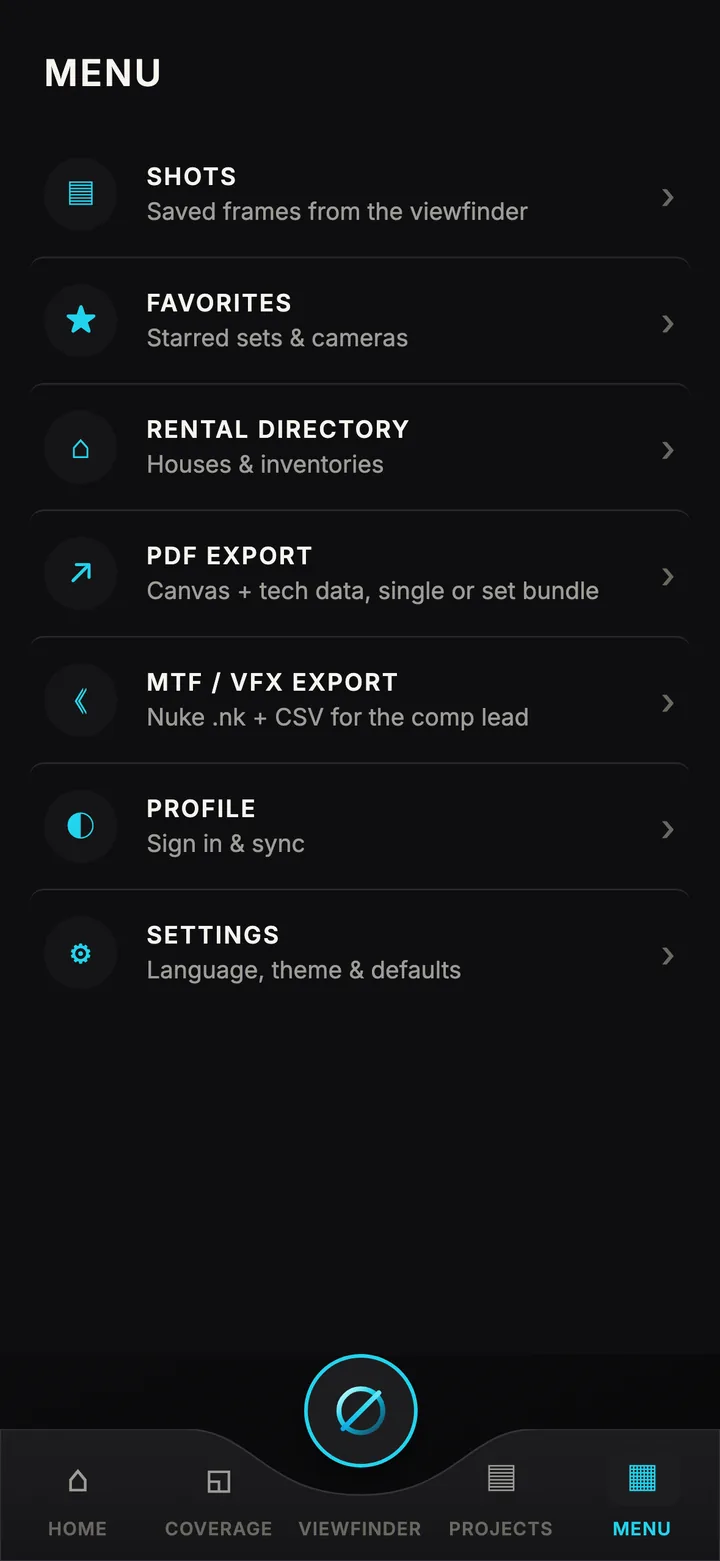
Everything in one menu

9:41
Menu with shots, favorites, rentals and exports
Swipe or scroll sideways →
Rent this lens

Who has it, anywhere.

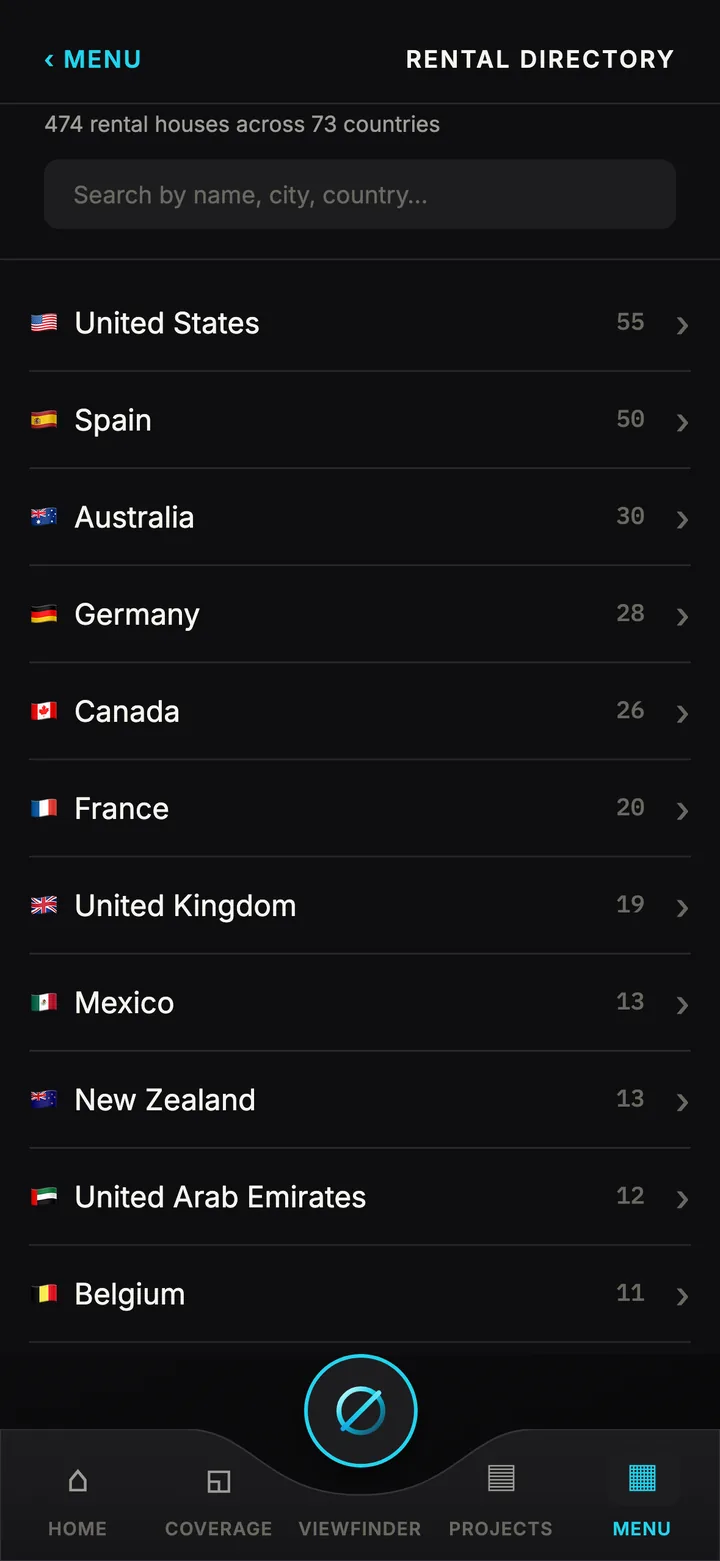
Every lens page lists the rental houses that carry it, country by country. Each house's lens list is checked against its own website, so the answer is the inventory, not a guess.

475 rental houses73 countriesBusiness contact only
9:41
Rental houses that carry the TLS Optics Canon K35 35mm, by country
9:41
Rental directory: 475 houses across 73 countries
Reports

Paper the prep meeting.

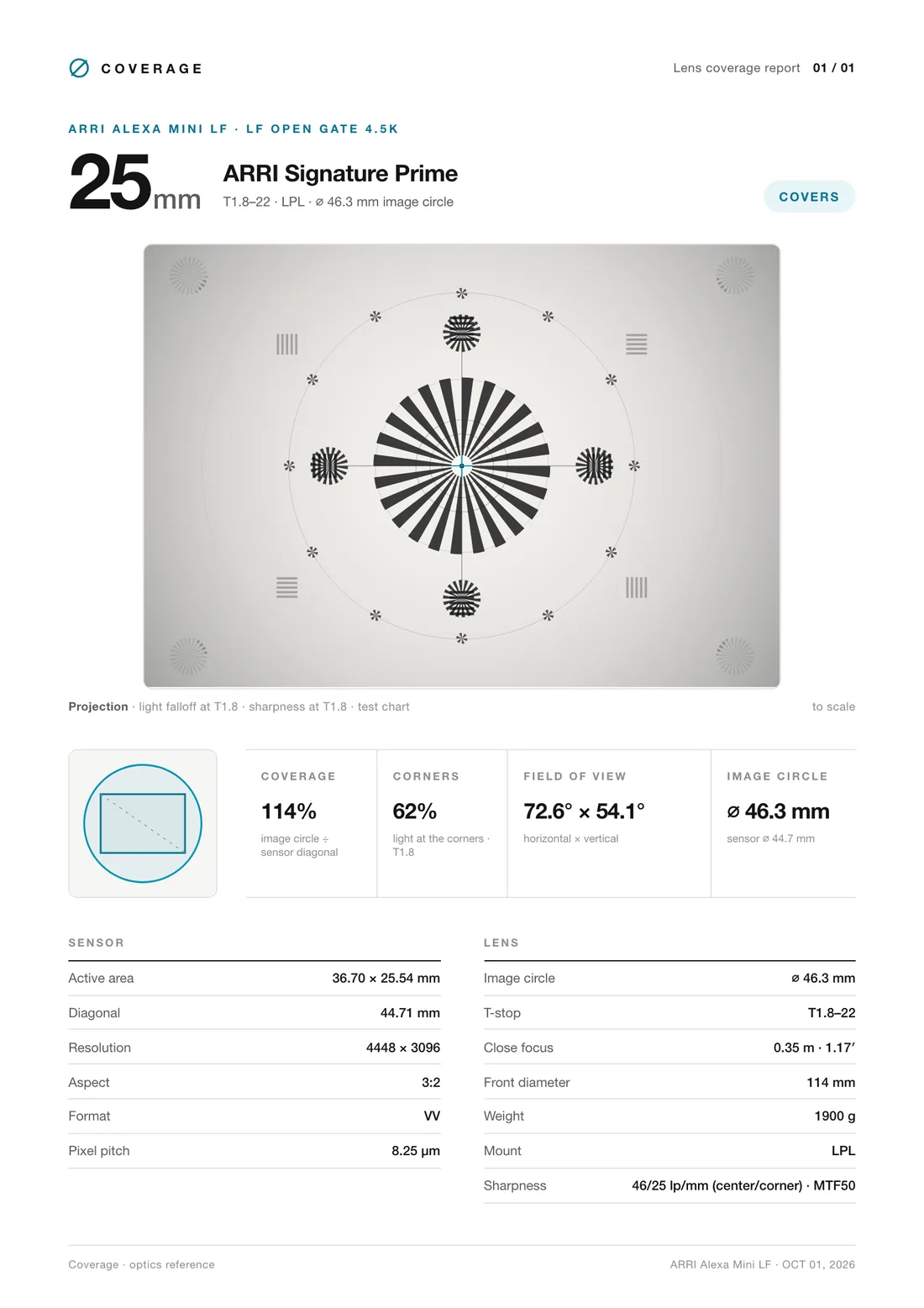
Export one lens, a whole set or a project as a print-ready A4 report: the projection, coverage, corner light, field of view and full specs. Compare two setups on a single landscape sheet. Shot lists and MTF/VFX packages for the comp lead too.

A4 lens reportA|B landscape sheetShot list PDFNuke .nk + CSV
A4 lens coverage report for an ARRI Signature Prime 25mm on an Alexa Mini LF Landscape A|B comparison sheet
Projects

One project, the whole crew.

Camera, sensor mode, lens list, framelines and camera settings for the shoot, with the crew credits on every report. Add a whole set in one tap. Share it as a single file, shots included, and it opens straight in a colleague's Coverage.

FPS · shutter · EI · WB2.39 frameline.coverage file
9:41
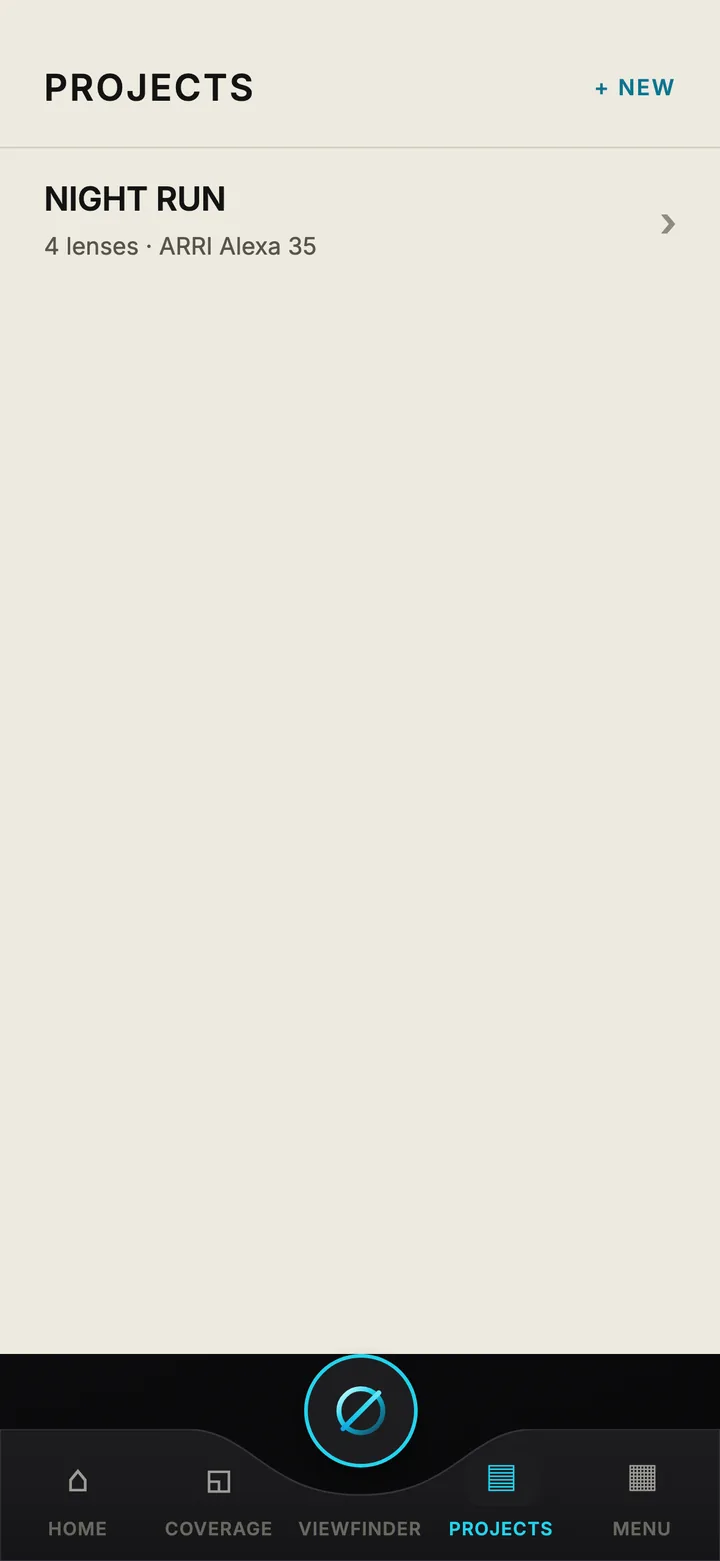
Project NIGHT RUN with credits and lenses
9:41
Projects list
Director's viewfinder

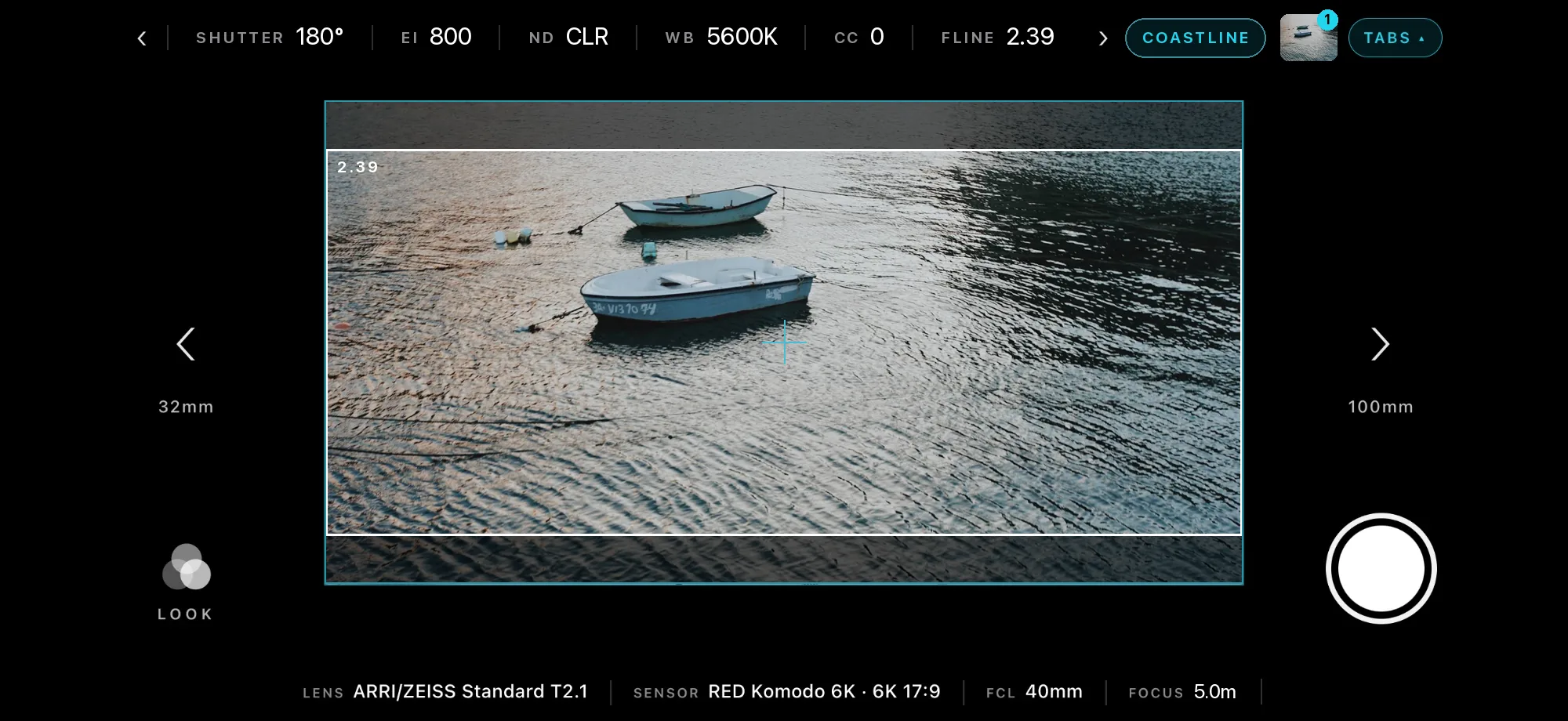
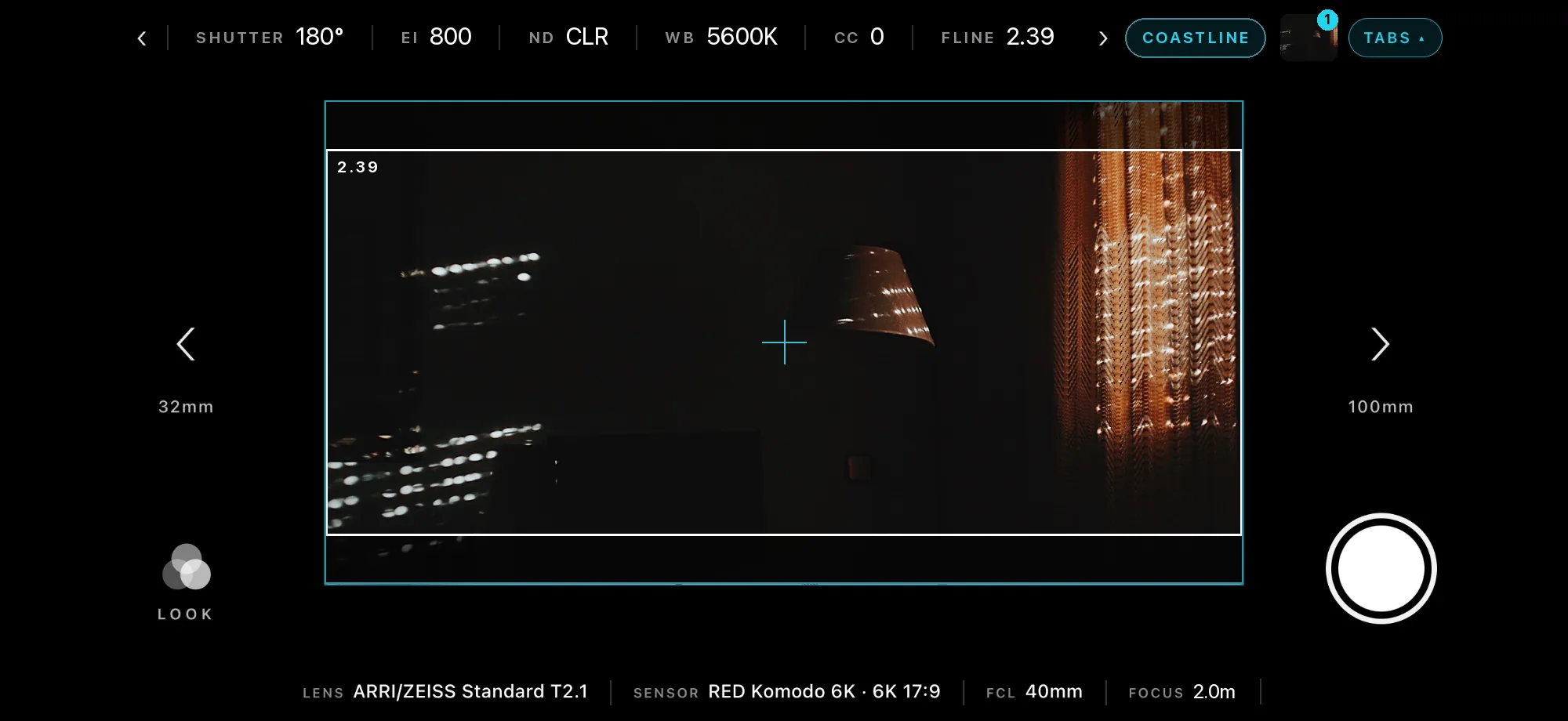
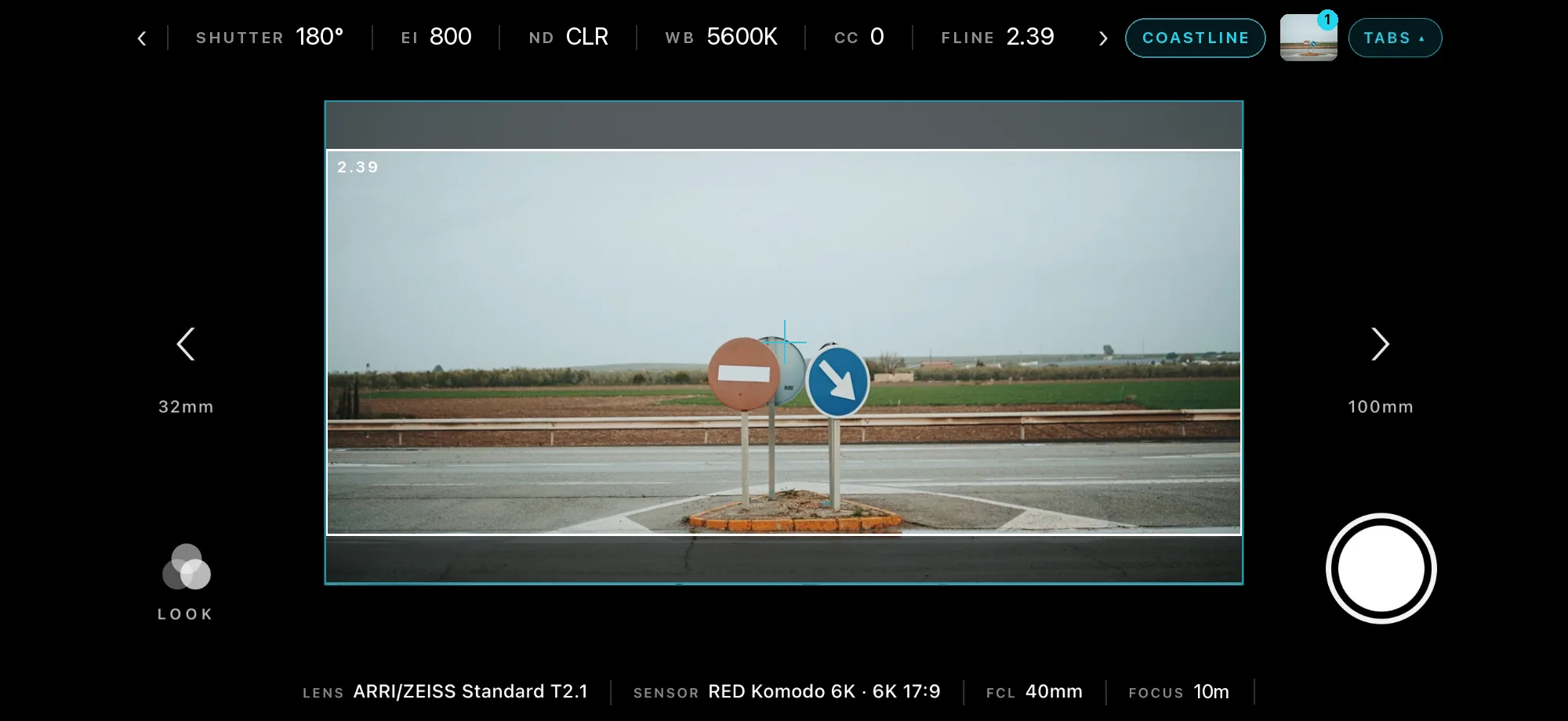
Look through the lens you haven’t rented yet.

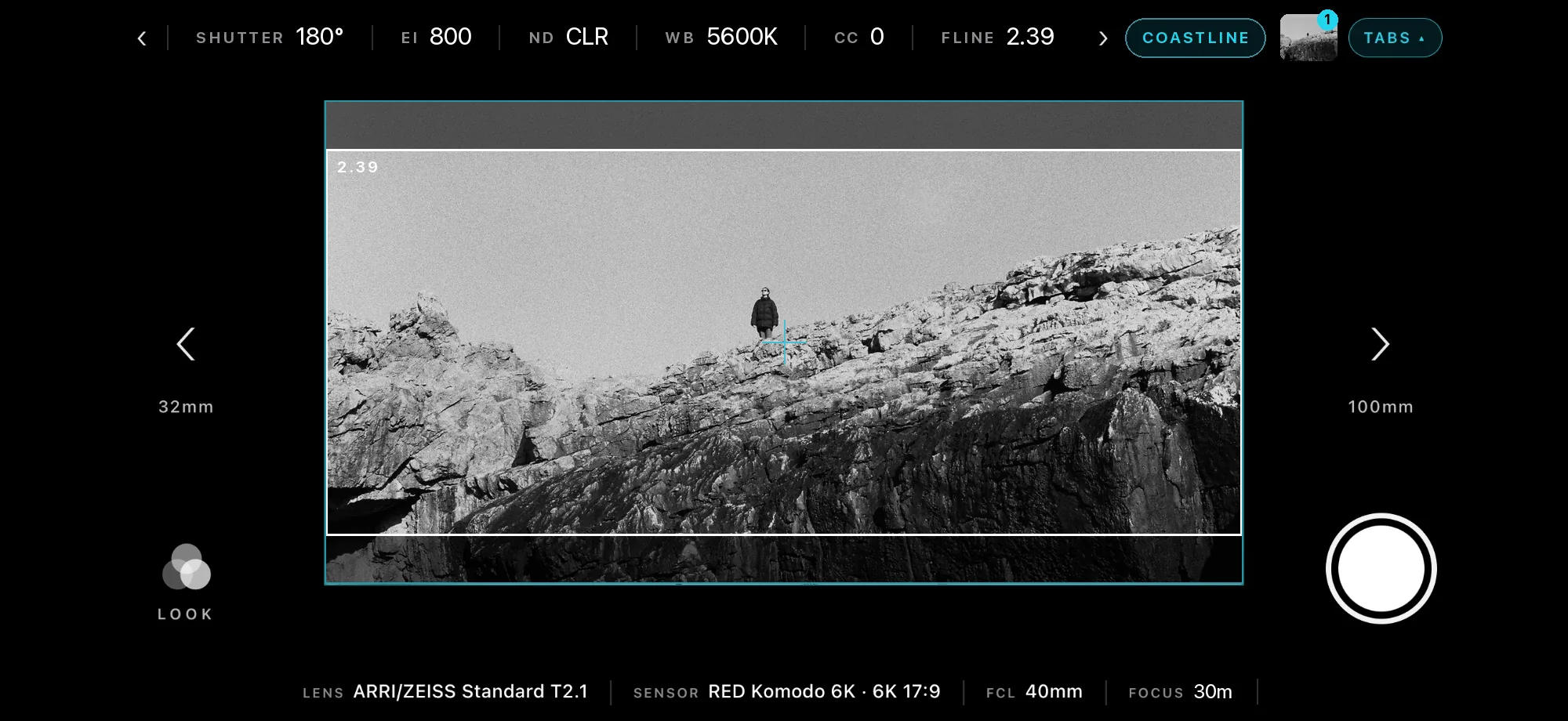
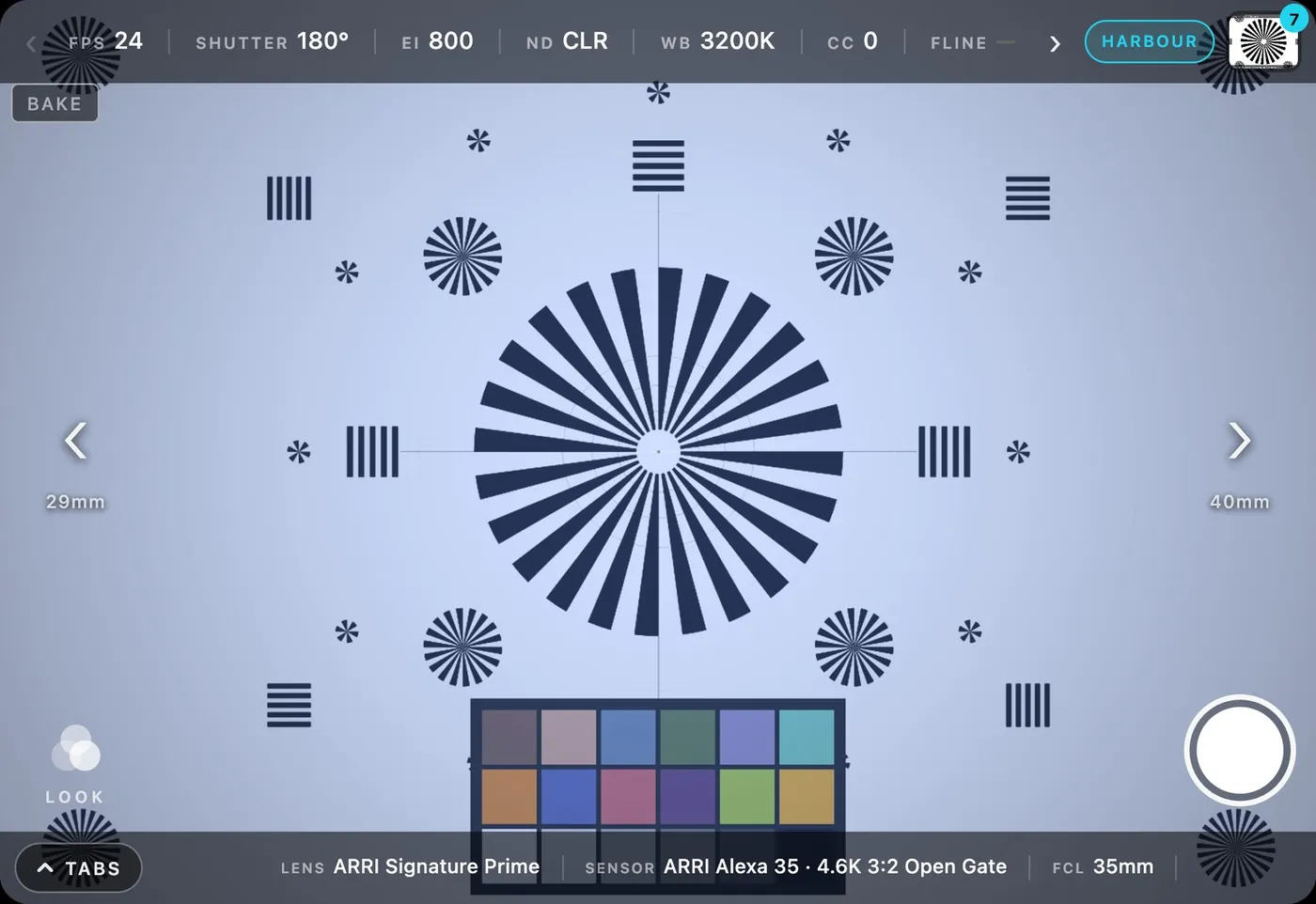
The phone's cameras zoom to match the field of view of the cine lens on your sensor, with its falloff, framelines and camera settings drawn over the live image. Stills and clips save with tilt, dutch angle, compass heading, GPS and camera height.

Viewfinder framing two rowing boats on rippled water at 2.39, with camera settings across the top and the lens and sensor below Viewfinder framing a lamp and window light in a dark room at 2.39, with camera settings across the top and the lens and sensor below Viewfinder framing road signs on a traffic island in open country at 2.39, with camera settings across the top and the lens and sensor below Viewfinder framing a lone walker on a black-and-white sea cliff at 2.39, with camera settings across the top and the lens and sensor below
Exposure, live

Change the EI, ND or white balance and the picture follows.

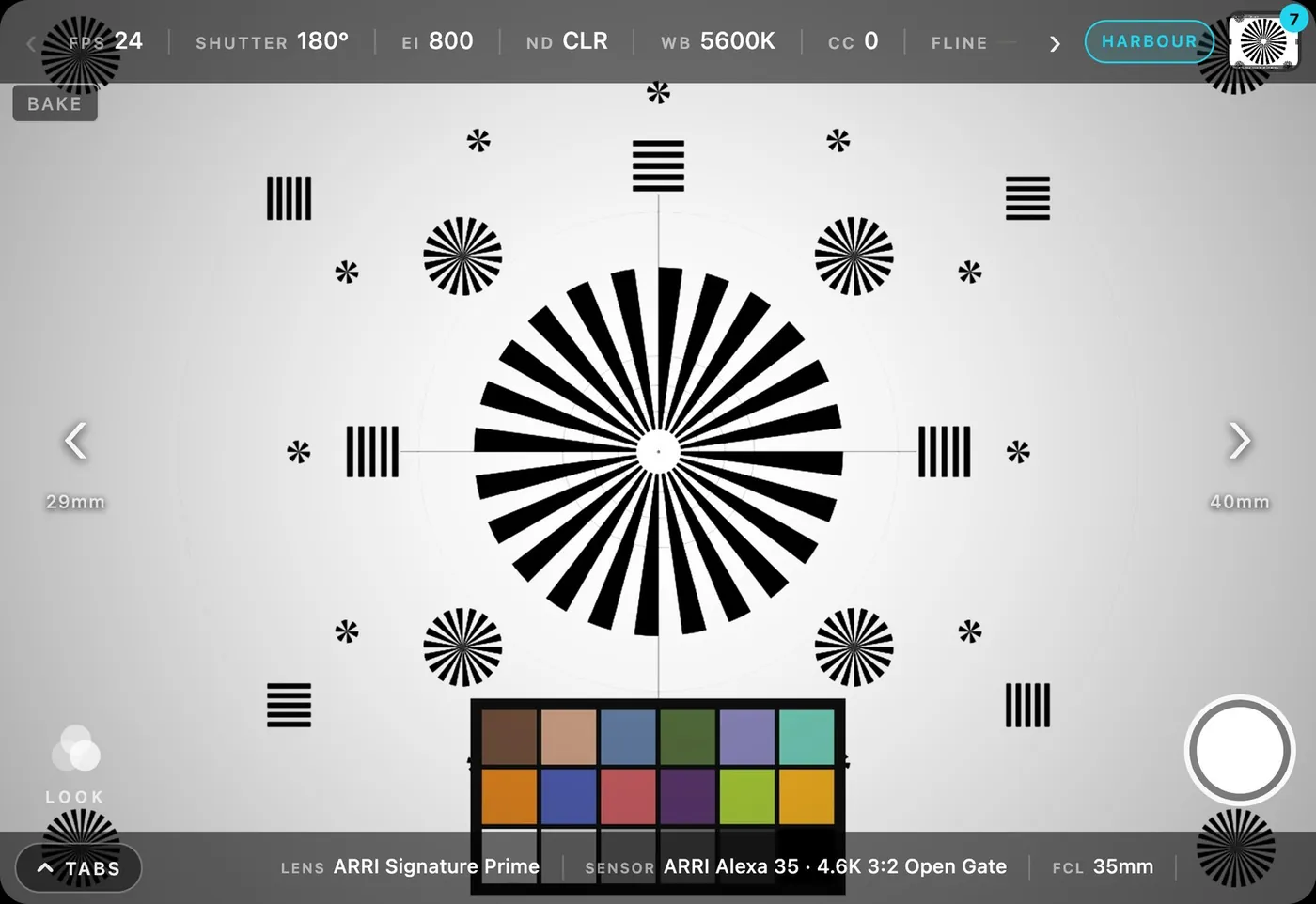
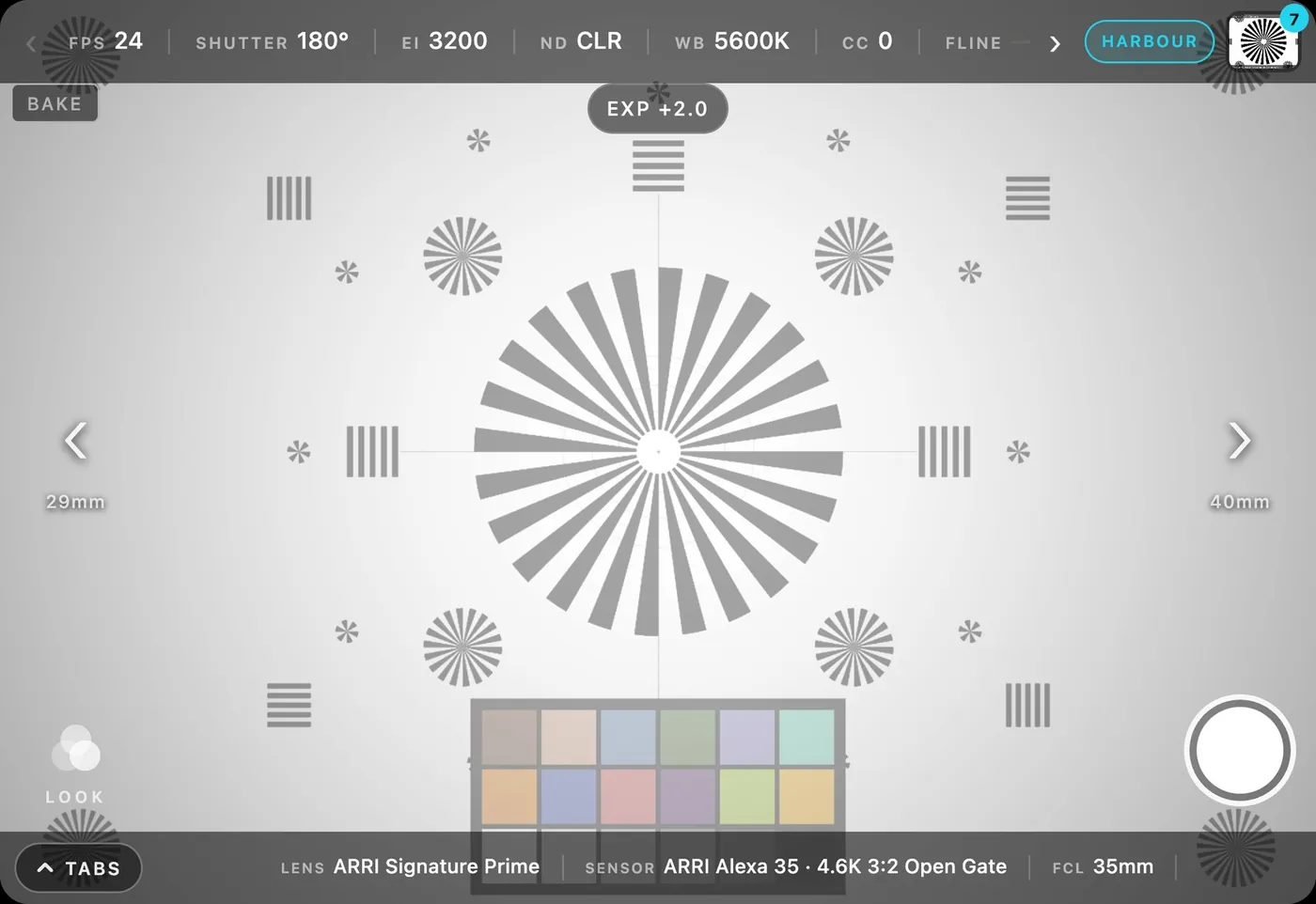
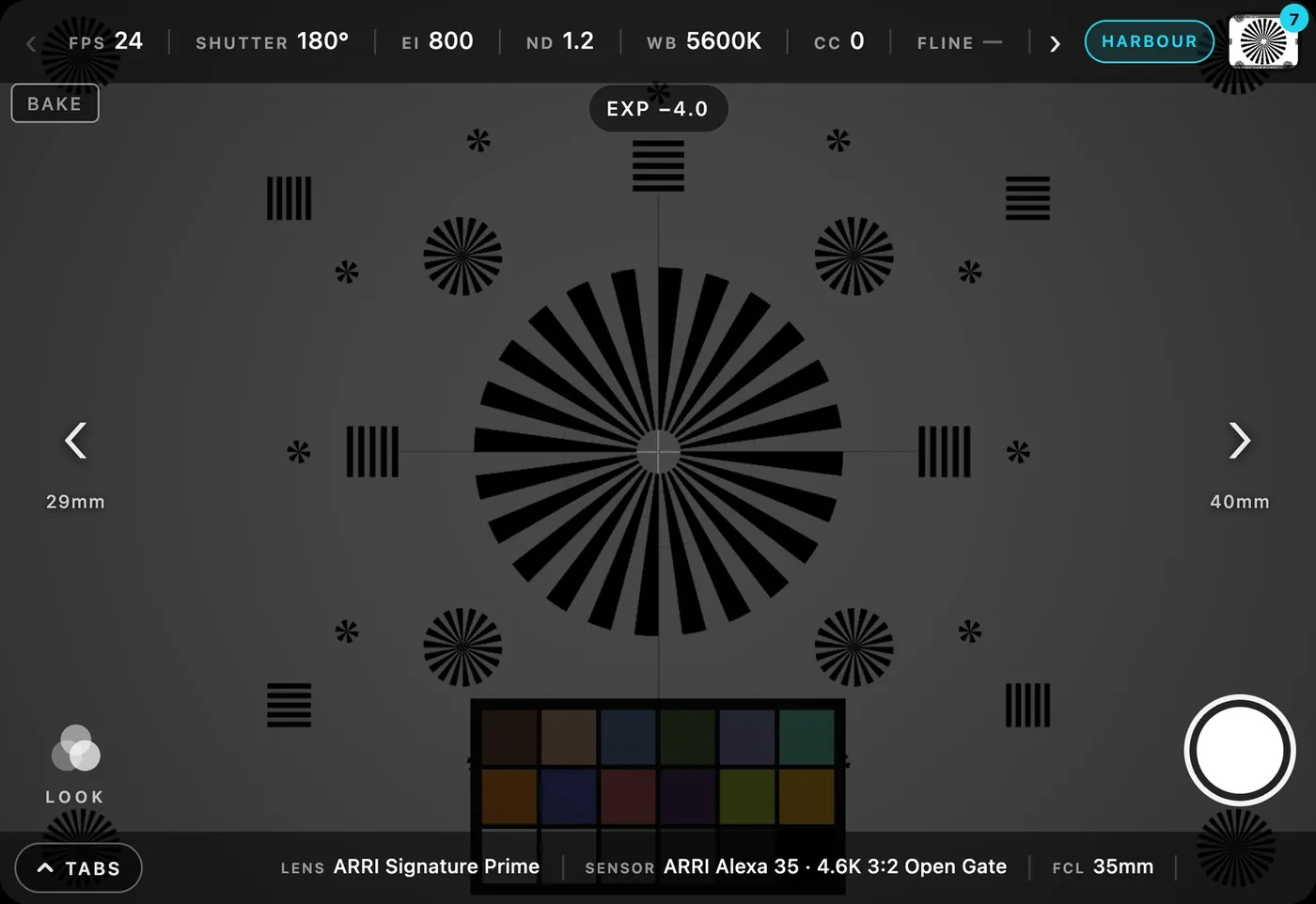
Double the EI and the image comes up a stop. Each 0.3 of ND takes one away. Set 3200K in daylight and it turns blue. It's a preview against your project's settings, not a light meter, and motion blur isn't simulated.

EI 800 → 3200 · +2.0ND 1.2 · −4.03200K in daylight
Viewfinder on the app's test chart at 24 fps, 180°, EI 800, no ND, 5600K The same chart at EI 3200: two stops brighter, EXP +2.0 The same chart with ND 1.2: four stops darker, EXP −4.0 The same chart with the white balance at 3200K under daylight: the picture turns blue
Shot log

Every frame keeps its lens and look.

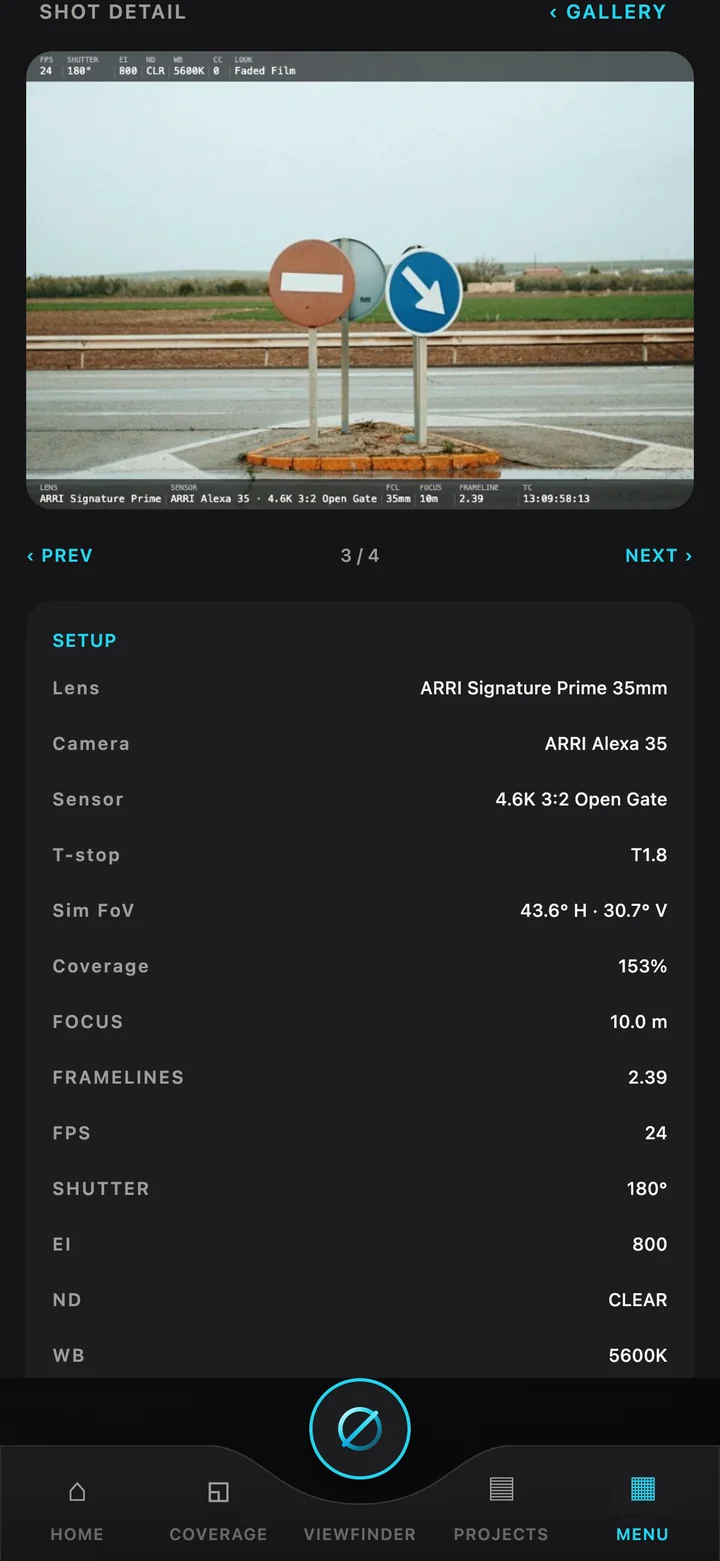
Each still and clip lands in the gallery with the lens, sensor, framelines, camera settings and sun path it was shot with, filed under the project. Open any of them full screen and zoom in, save stills to Photos with the details on a strip underneath, or export the lot as a shot list PDF.

Your own framelines, 9:16 tooLooks: .cube, ARRI .aml, ASC CDLClips full screen
9:41
Shot detail: a saved frame with its lens, sensor, framelines and camera settings
9:41
Home screen with the current setup and recent shots
2,526Lenses
73Camera bodies
475Rental houses
73Countries
Made for the crew

For the department that owns the frame.

DP

Frame and light

Check coverage on a new sensor mode without a laptop, walk the scout with the real focal, and hand the producer a sheet.

1st AC

Prep and pull

Front diameters, filter formats, close focus and weights for the whole set, plus who rents it when the house is short.

Director

See the shot

Look through the lens on the recce, save stills with framelines and heading, and send the shot list.

Rental desk

Answer fast

Coverage and spec questions answered from the counter, with a report the client can keep.

On the App Store

Out now on the App Store.

For iPhone. Free to download with a 7-day trial, then one purchase keeps everything: €19.99 / $19.99 launch price from 3 to 15 November, €24.99 / $24.99 after. No subscription.

Get it

For iPhone. 7 days free, then one purchase. No subscription.

Support and press
support@coverage-app.xyz
Follow